
Why a weekly temperature check saves time and stock
For small garment decorators and busy print shops, temperature is one of the first things to slip out of line. A press that reads 180°C on the controller but actually sits at 168°C will often still close, still heat and still leave you guessing. The result is weak adhesion, patchy colour, shiny marks or transfers that peel after washing.
Weekly checks give you a clear picture of how your press is behaving before a Monday run starts. That matters whether you are working from a home workshop in Midrand, doing school orders in Pretoria or pushing short runs for a Cape Town client. It also helps with planning because you can spot a slow warm-up, a lazy element or a controller that needs attention before it stops the line completely.
Temperature drift is often gradual, which makes it easy to miss. A machine can still feel hot to the hand and still be wrong by enough to change the finish on polyester, cotton blends and transfer papers.
What you need before you start the check
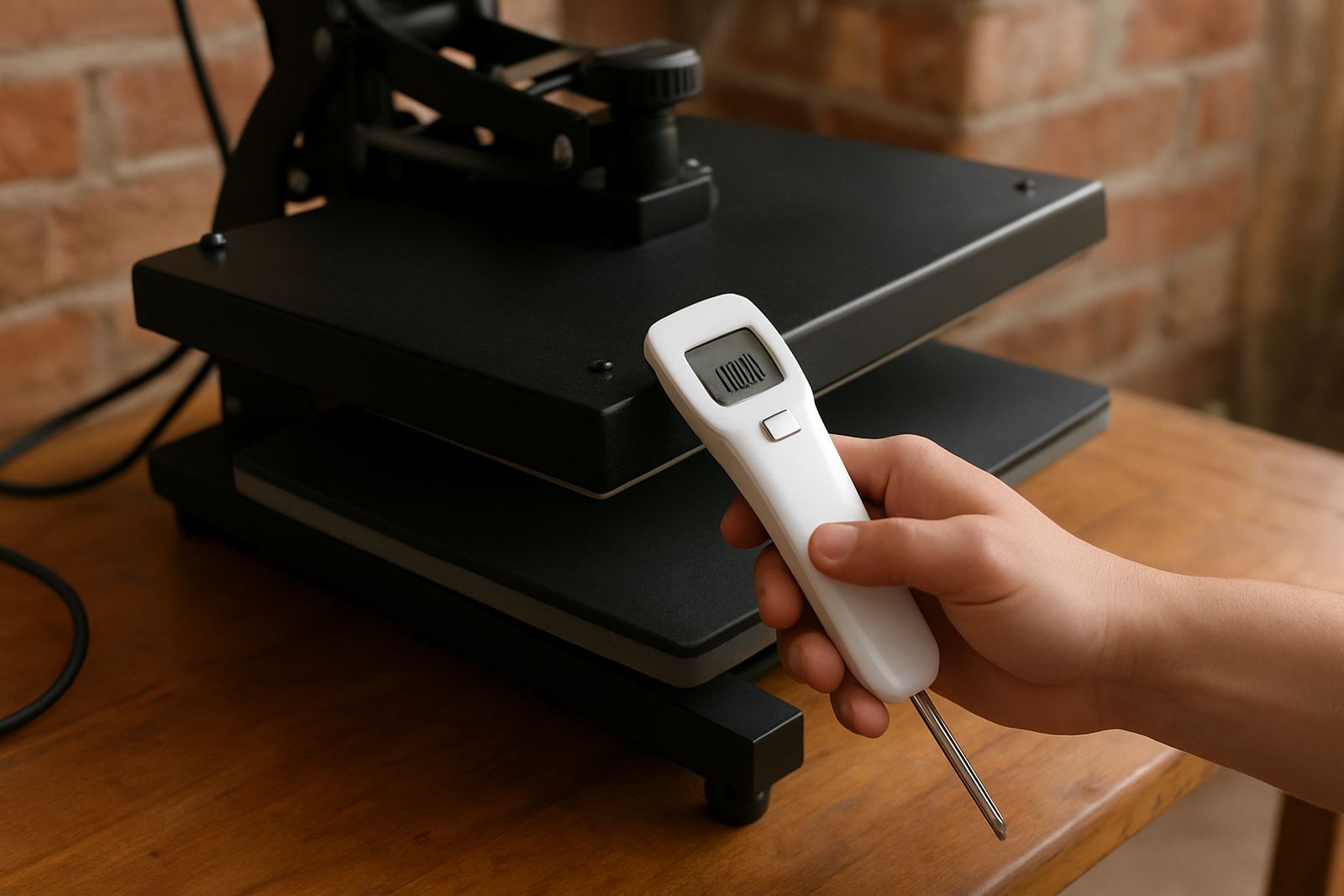
You do not need a complicated setup. A reliable surface thermometer or temperature probe, a clean cloth and a short checklist are enough for most routine checks. If your shop works in a humid area like Durban or near the coast, keep the probe dry and store it away from steam, dust and heat from nearby equipment.
Before you start, let the press warm up fully. Do not check it the moment the controller reaches the set point because the platen may still be coming up to temperature in the corners. Give it time to settle, especially after load-shedding or when the machine has been switched off for a repair.
- Set the press to the temperature you use most often, for example 180°C or 190°C.
- Allow at least 15 to 20 minutes of warm-up time after the controller indicates ready.
- Wipe the platen clean so lint, glue and ink do not affect the reading.
- Keep a notebook or simple log with the date, set point and actual reading.
How to test the platen properly
Take readings in more than one spot. A centre reading alone can hide a corner that is running cooler. Move the probe to the front, back and both sides, then compare the numbers. If the platen is very uneven, that can point to a worn heating element, a loose connection or a thermostat issue.
For a quick weekly routine, test at three to five positions across the platen. On wider presses, include the corners as well. The difference between the hottest and coolest point should be small enough for your transfer method. If you are seeing a spread of 8°C or more, the press needs a closer look.
Do the same check with a few different temperature settings if your workflow changes often. A press that behaves well at 160°C may drift badly at 200°C. That becomes important for sublimation, DTF finishes, vinyl and heat transfer paper, where even a small variation can change the final result.
- Centre of the platen
- Front left and front right
- Back left and back right
- Repeat after 5 minutes to see if the reading stays stable
Signs the controller is lying to you
Sometimes the platen is fine and the problem sits with the controller. If the display reaches target temperature too quickly, swings up and down, or seems to overshoot every time the element cycles, you may have a control fault. That can happen after power fluctuations, internal wear or rough handling during setup and moving.
Watch for transfers that look good one day and fail the next, even though your press settings have not changed. If your customer in Johannesburg got a perfect run on Tuesday and poor adhesion on Friday, the issue may be the machine rather than the artwork or media. A controller that is inaccurate will waste stock, and it often wastes operator time too.
Other warning signs include unusual clicking, delayed heating after a cold start, or a platen that feels cooler at the edges. If the display says the press is at temperature but the garment still needs extra time, do not keep guessing. A proper temperature check routine gives you proof before you change pressure or dwell time.
What to record in your weekly log
A short log is enough. You are not building a full maintenance file for the sake of paperwork, you are creating a record you can use when something starts drifting. Keep it simple so staff actually use it. In a small shop in Midrand or East Rand, a one-page sheet pinned near the press is usually better than a long form nobody completes.
Write down the date, operator, set temperature, actual readings at each point and any action taken. If a press warms slowly after a power outage in Pretoria or the supply has been unstable in Bloemfontein, note that too. Over a few weeks, patterns start to show.
- Date and time of check
- Set temperature
- Actual centre reading
- Corner or edge readings
- Any pressure adjustment, repair or cleaning done
If the numbers keep changing, do not keep recalibrating blindly. Call for a proper inspection so the fault is handled before it turns into a bigger repair.
A practical Gauteng example from a busy transfer shop
A small decorator in Midrand was running weekly badge and T-shirt jobs for schools, sports clubs and a few corporate clients. The press seemed fine, but the operator started noticing that some transfers at the back of the platen were lifting at the edges. At first the team thought it was pressure, then the artwork, then the film.
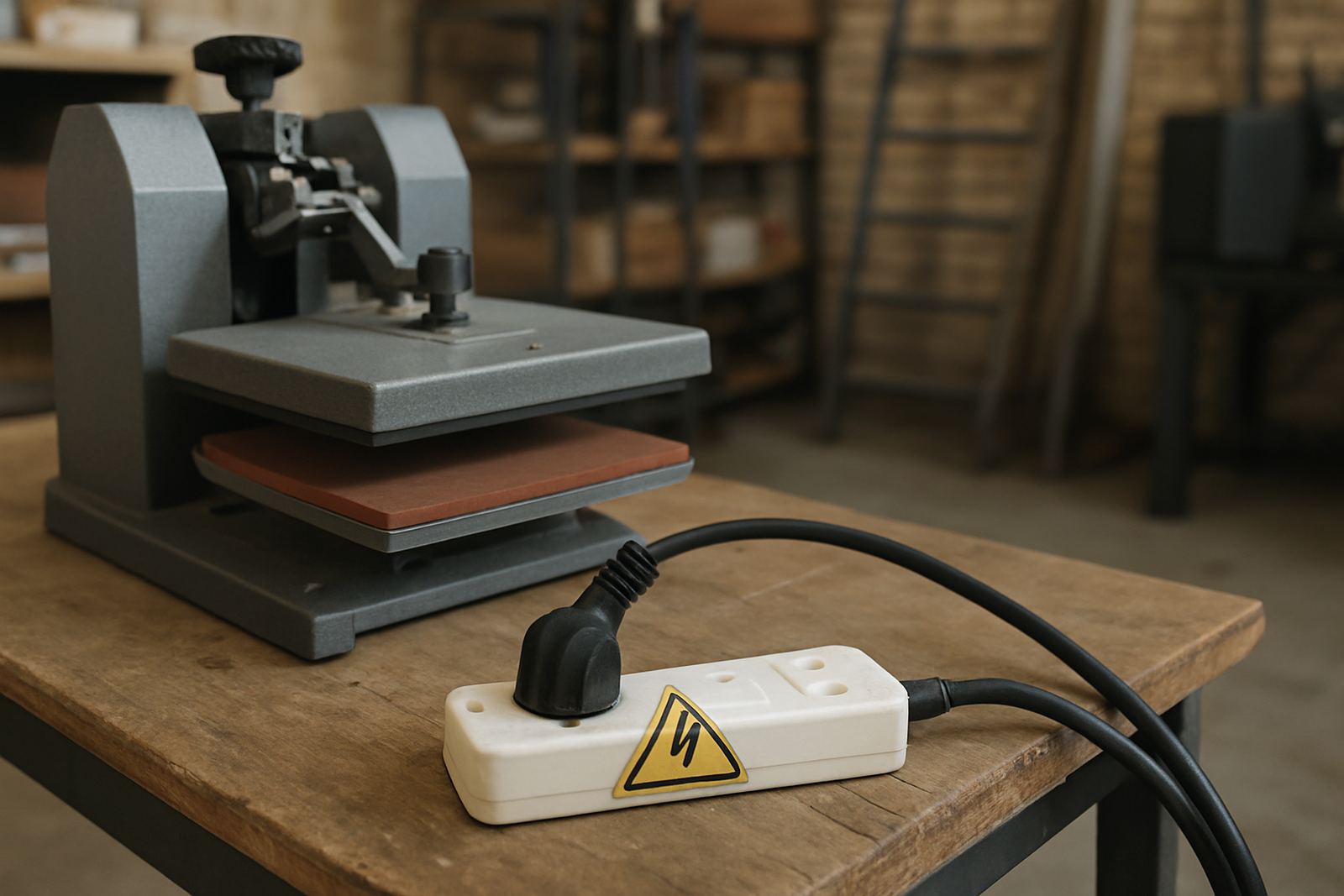
After a simple temperature check routine, the front of the platen was close to target while the back left corner was running cooler. The machine still got hot enough to feel normal, but not evenly enough for consistent results. The issue was traced to a worn heating component and a controller that was not holding steady after a power interruption. Once the fault was corrected, the rejects dropped and the shop stopped reprinting failed orders.
That kind of problem is common across Gauteng because shops often work through load-shedding, voltage dips and long operating hours. A quick weekly test would have caught it sooner, and saved a few spoiled garments along the way.
When to call for support instead of adjusting again
Some issues are normal and some need a technician. If your readings are inconsistent from one check to the next, if the platen cannot hold temperature, or if the machine keeps overshooting after adjustments, it is time to get support. Replacing settings again and again only hides the fault.
At FlatPress, we help with temperature checks, temperature adjustments, controller repairs, element replacements, preventive servicing and loan unit support when a machine needs to come out of service. We also train operators on how to spot the early signs of temperature drift so the shop can keep working with less interruption.
If you are based in Midrand, Johannesburg, Pretoria, Durban, Cape Town, Bloemfontein, the East Rand or West Rand, use the enquiry form on our contact page and ask for help with your press. A short inspection now is usually cheaper than a stack of ruined transfers later.