
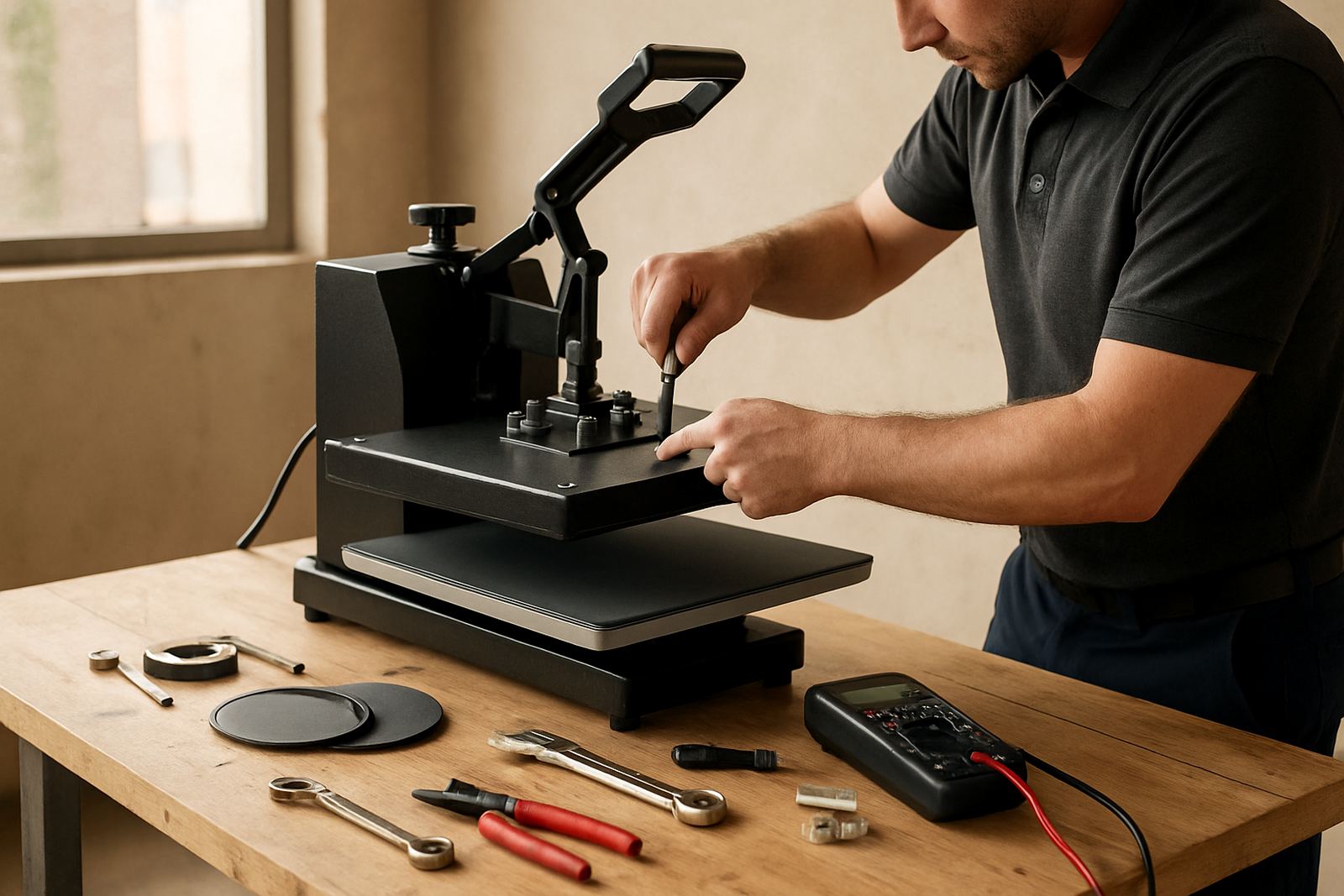
Why a clear callout saves time on the press floor
Phone support works best when the person on site can describe what the machine is doing, not just that it is “playing up”. A flat heat press has a few moving parts and each one tells a story. Is the temperature drifting, is the pressure uneven, or is the timer counting down but the transfer still not curing properly? Those details help narrow it down fast.
In a busy shop in Midrand or a home setup in Pretoria, every hour counts. If a press is out by even 10 to 15 degrees, or the pad has gone soft and uneven, your shirts will show it. The more precise the notes, the less back and forth there is on the call. That means less idle time and fewer wasted blanks.
Operators who keep a simple fault note book usually give us enough to trace the fault on the first call. Write down when the issue started, what size garment was on the platen, which transfer type was used and whether the power dipped before the fault showed up. That kind of record is worth more than a vague “it’s not pressing properly”.
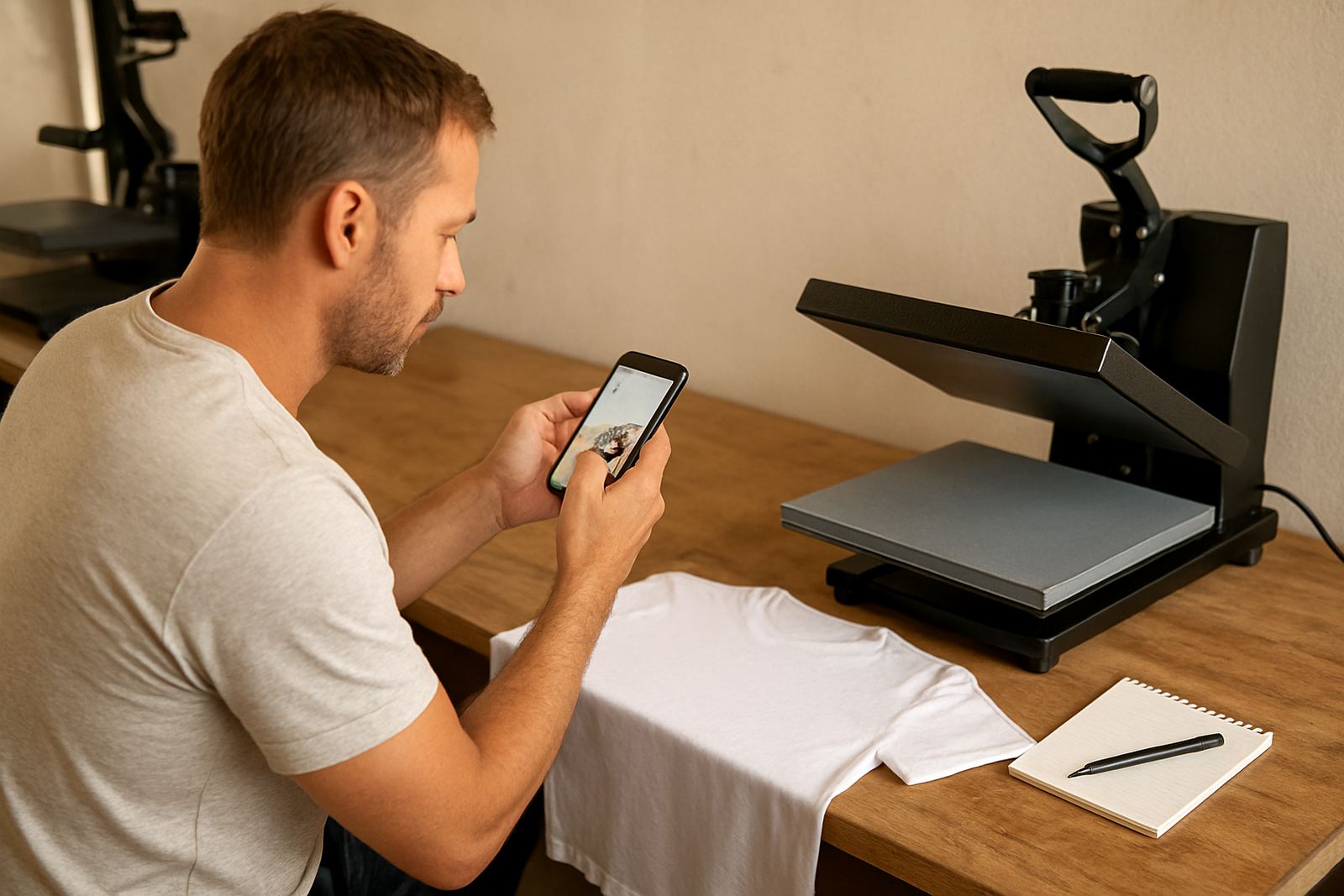
Take the right photos before you pick up the phone
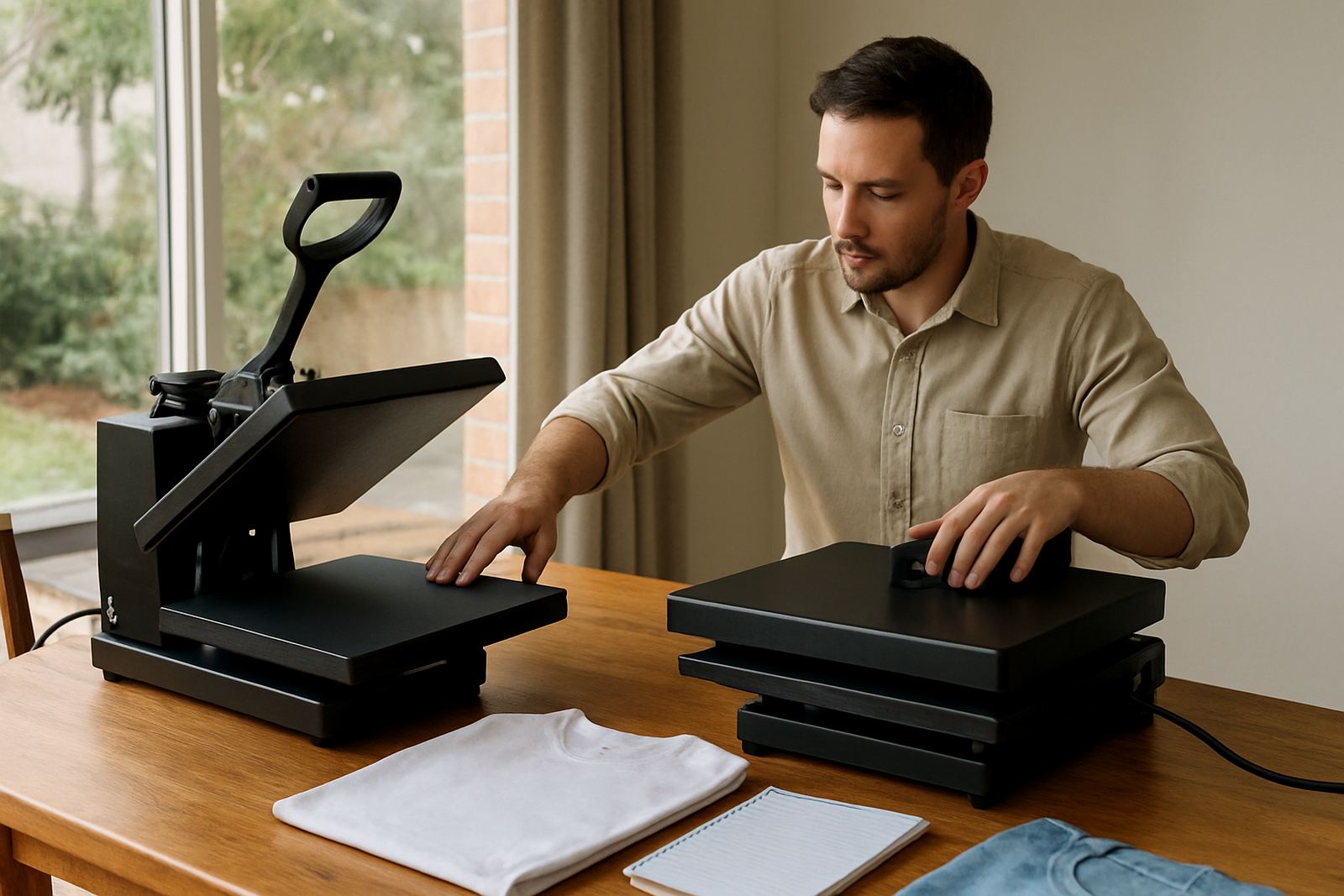
A good photo can explain what ten messages cannot. Start with a full view of the press, then get close to the control panel, the upper platen and the lower pad. If the problem is with pressure or alignment, include a side angle as well. If there is heat damage, show the marks clearly and make sure the image is not too dark.
For support to be useful, the image should show the condition of the machine as it stands on the floor. Dust, heat discoloration, loose cables and damaged covers matter. On some sites near the coast, humidity can cause extra corrosion on fittings and plugs, while inland shops in winter may see dry cracks on covers or adhesive build-up. A photo tells us which of those is likely at play.
- Take one wide photo of the full press
- Take one close photo of the control panel display
- Take one photo of the platen surface and pad
- Take one picture of any error light, scorch mark or loose cable
If possible, send the photo in daylight or under bright shop lighting. Blurry images slow things down and can lead to the wrong advice. A sharp photo of a damaged element wire or worn silicone pad can point us straight to the next action.
The simple checks that solve many faults
Before a technician books a callout or a part is ordered, there are a few basic checks that often solve the problem. These are safe, quick and useful on almost any flat press. They also help us rule out user error, which happens more often than people like to admit.
- Check that the press is plugged into a stable supply and not sharing a weak extension lead
- Confirm the set temperature matches the transfer material being used
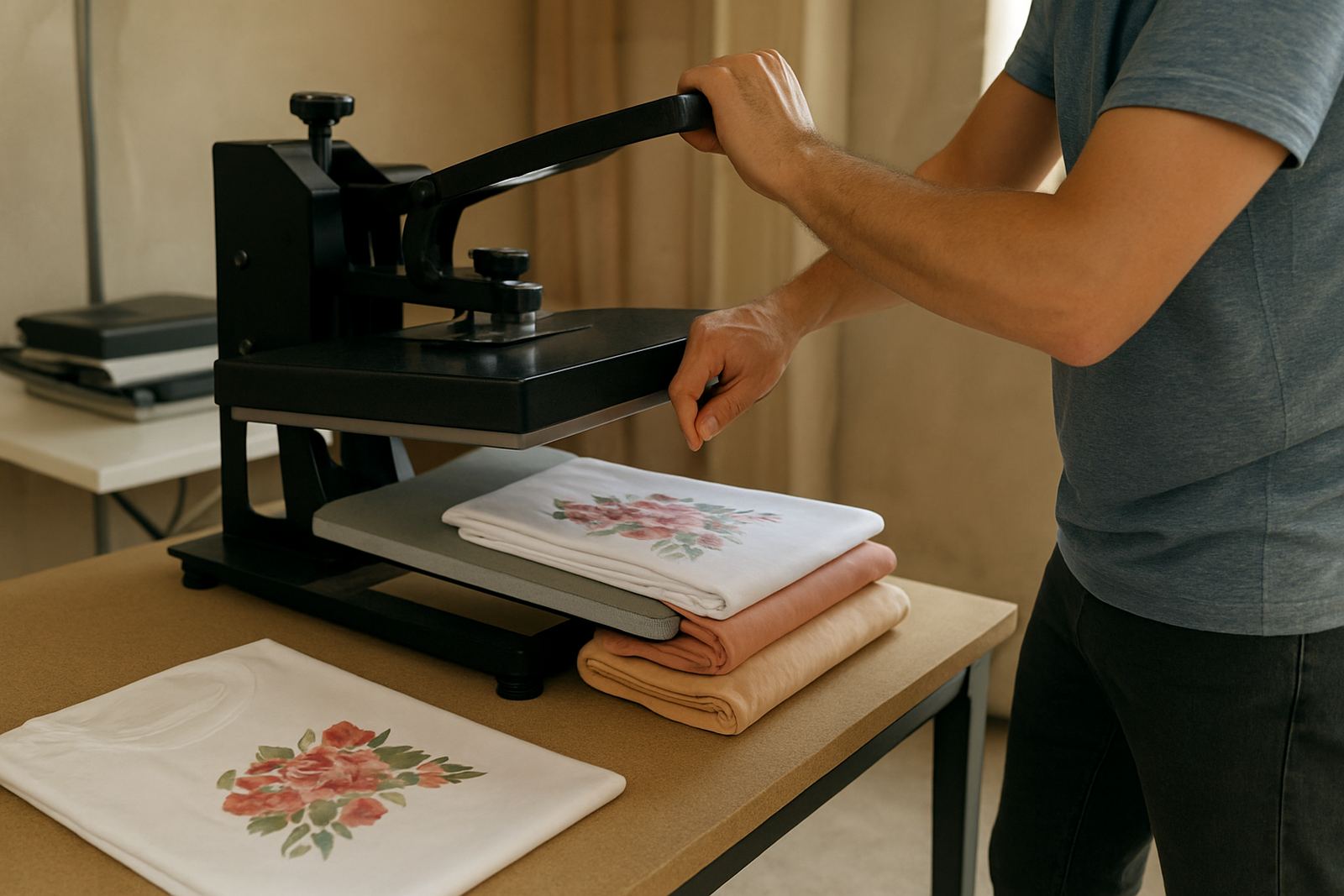
- Test whether the pressure is too light or too heavy for the job
- Look for damaged leads, loose plugs or a tripped breaker
- Make sure the pad cover is clean and free from build-up
In many South African workspaces load-shedding, generator power and fluctuating supply can affect controller readings. A press that seems faulty may simply be reacting to an unstable feed. If the timer or display is behaving strangely after a power event, that detail should be mentioned right away. It saves time and stops the wrong part from being blamed.
It also helps to note whether the issue happens on every cycle or only when the machine has warmed up. A fault that appears after 20 minutes can point to a different cause than one that is present from switch-on. Small details matter more than most people expect.
What information helps us diagnose faster
When you call for phone support, have the basics in front of you. This does not need to be complicated. A few facts are enough to give a clear picture and keep the conversation focused. If the operator is busy, even a voice note with the key points can help.
Include the machine type, the size of the platen, what material is being pressed and whether the press is manual or pneumatic. Mention any recent service, repairs or part changes. If you replaced the pad, swapped the controller or fitted a new heating element, that can change the diagnosis quite a bit.
- Model or machine description
- Approximate age of the press
- What problem started and when
- Whether the fault is constant or intermittent
- What transfer and garment type you are using
- Any recent power cut or workshop change
The goal is not to sound technical, just accurate. A clear note like “temperature reading jumps between 150 and 185 degrees after warm-up” tells us a lot more than “it is acting funny”. That sort of detail often leads straight to a controller check, probe review or a calibration discussion.
A Midrand example: one call, less downtime
One garment decorator in Midrand phoned after a press started giving patchy transfers on polyester shirts. The first note was simple: the top left corner was not curing properly and the display looked normal. The operator then sent three photos, one of the press closed, one of the platen and one of the finished print. That was enough to spot that the pressure was uneven and the pad cover had worn thin on one side.
Instead of waiting for a full workshop inspection, we guided the team through a pressure reset and a quick pad check. The result was immediate. The prints evened out and the machine carried on through the rest of the day while parts were arranged for a proper follow-up. That is what good remote support looks like in practice. It does not replace hands-on servicing, but it often buys valuable production time.
For shops serving Johannesburg, Pretoria and the East Rand, that kind of support can make the difference between finishing an order and chasing deadlines the next morning. It is practical, and it keeps small faults from becoming bigger ones.
When phone support is enough and when service is needed
Some issues can be handled over the phone. Others need a technician, a workshop check or replacement parts. Knowing the difference helps you plan work and avoid wasting time on repeat faults. If the machine is unsafe, heating unevenly across the platen or drawing power irregularly, it is better to stop and ask for help before carrying on.
Phone support is usually enough when the problem is about settings, pressure, simple wear or a clear user-side issue. It is less likely to be enough when the element is failing, the controller is erratic, or the pneumatic system has a leak that affects every cycle. In those cases, a follow-up repair or scheduled servicing will be the right route.
- Use phone support for quick checks, setup questions and recurring small issues
- Book a service when temperature, pressure or timing faults keep coming back
- Arrange parts or workshop repair if the element, controller or line work is failing
- Ask for a loan unit if production cannot wait and the press is down
Good support is not about guessing. It is about using the right information at the right time so the next step makes sense. That is how a small decorator in Bloemfontein or a larger print shop in Cape Town keeps work moving without unnecessary delay.