
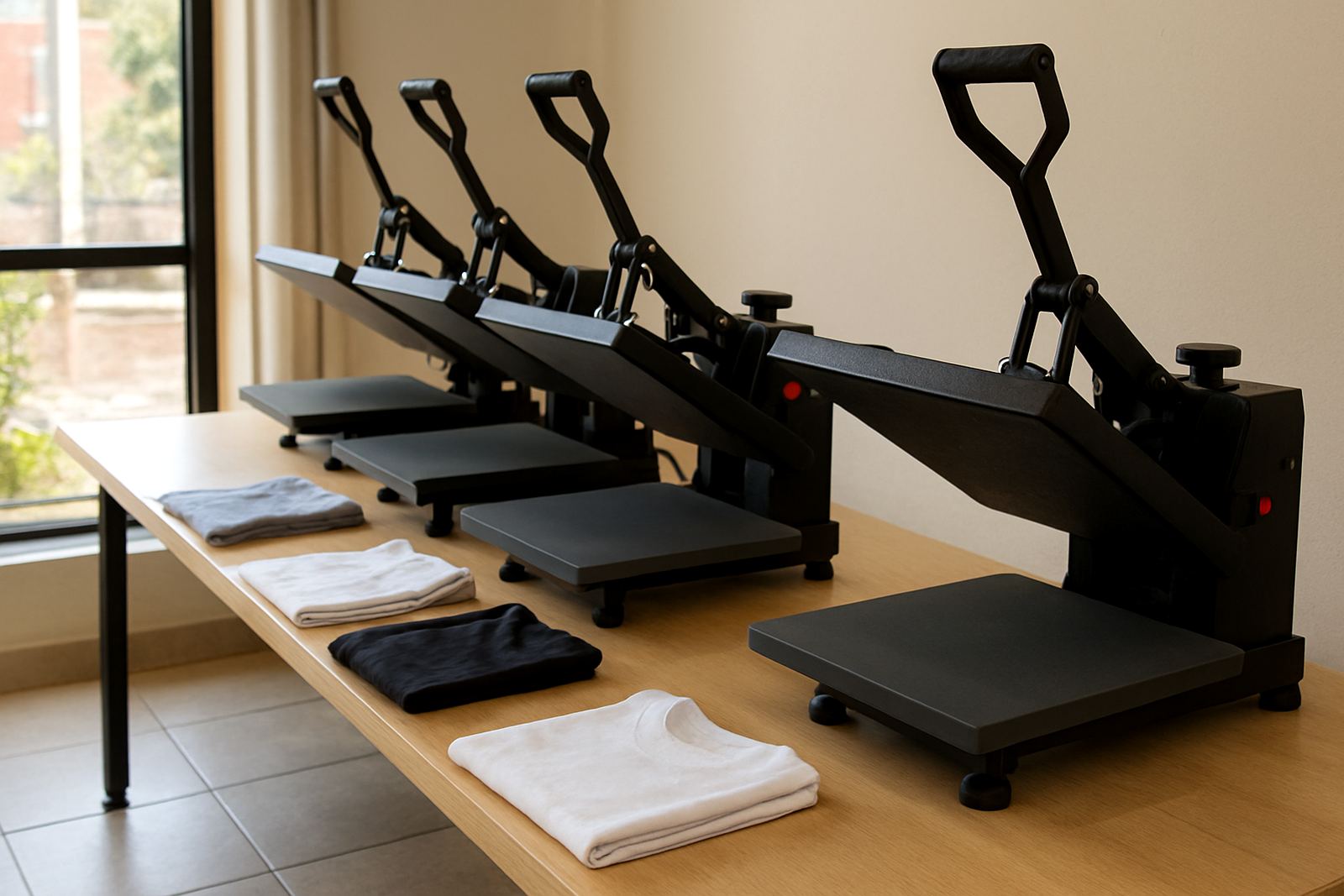
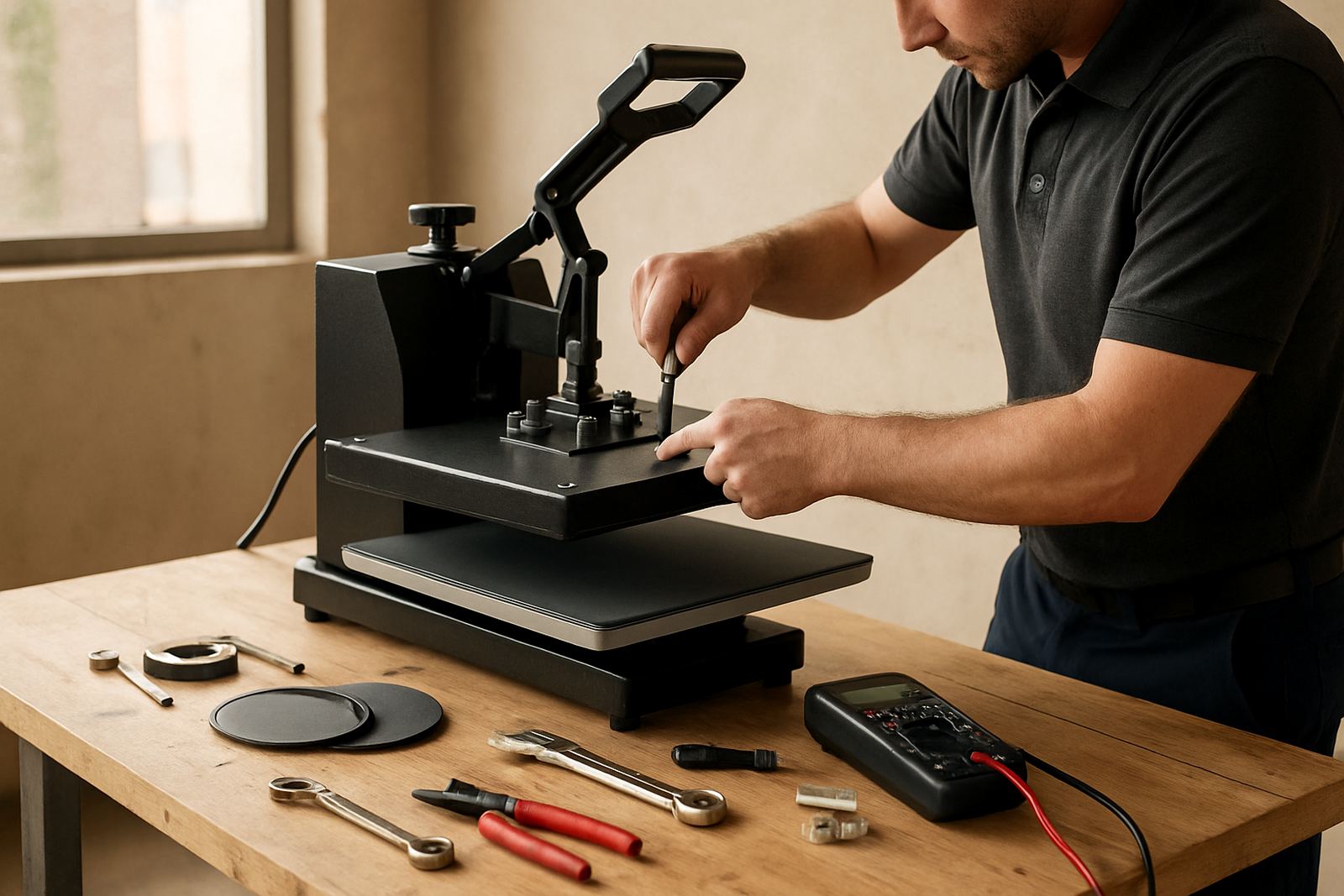
Why Cycle Time Matters On Every Press Job
Cycle time is the full pressing period: the moment the press closes, the heat has to travel through the transfer, adhesive and fabric before it can make a proper bond. Too short and the adhesive may not fully activate. Too long and you can flatten garment texture, leave shine marks or overcook the artwork. On cotton tees the wrong timing is often obvious straight away, but on polycotton and coated transfer media the problem can only show up after washing.
In South African print shops, cycle time is not one fixed number for every job. A winter morning in Pretoria, a humid day in Durban, or a workshop in Midrand with load-shedding interruptions can all change how fast a press stabilises. Keep one eye on the clock, but always match time with temperature, pressure and the material being pressed.
Start With The Right Setup Before You Press
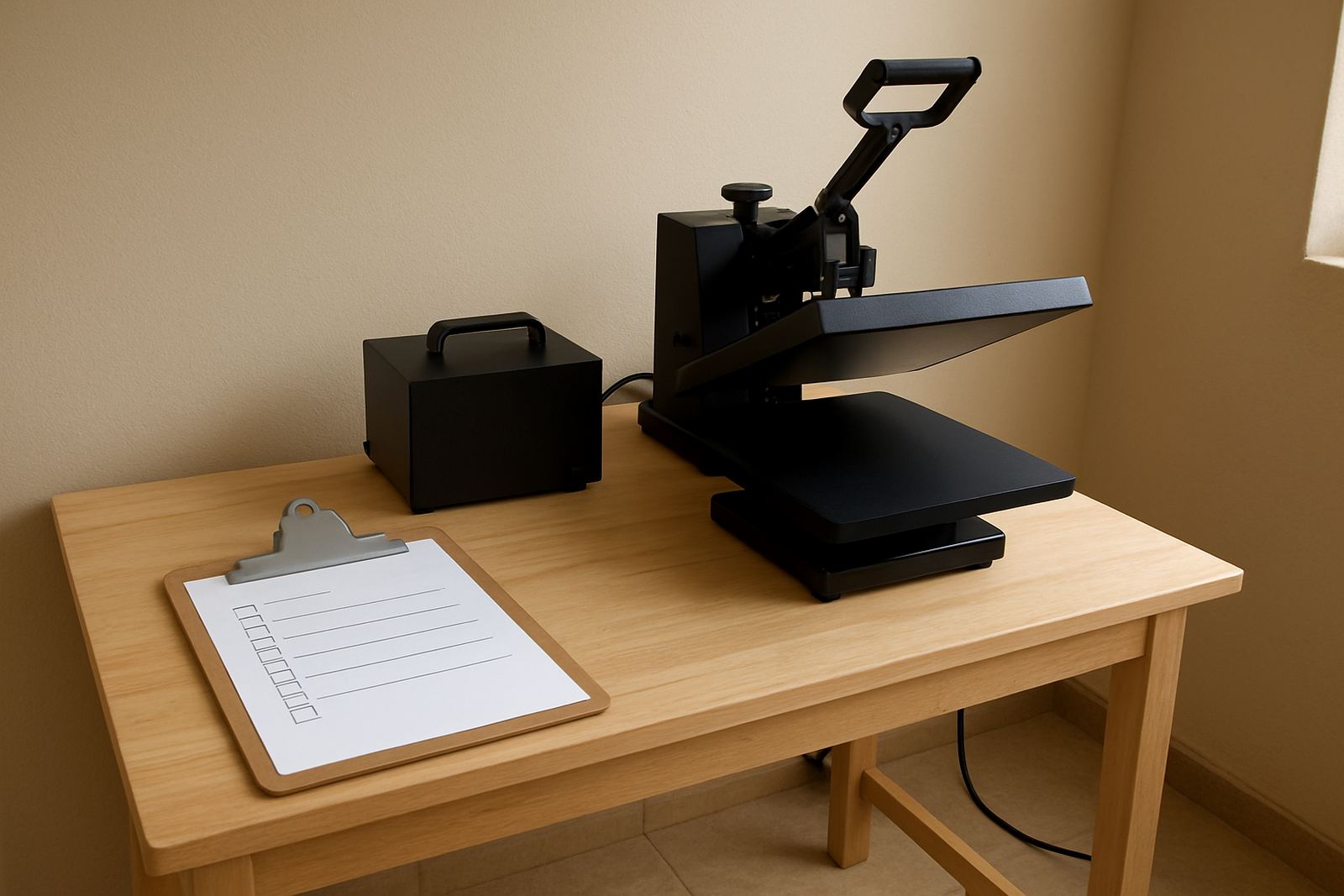
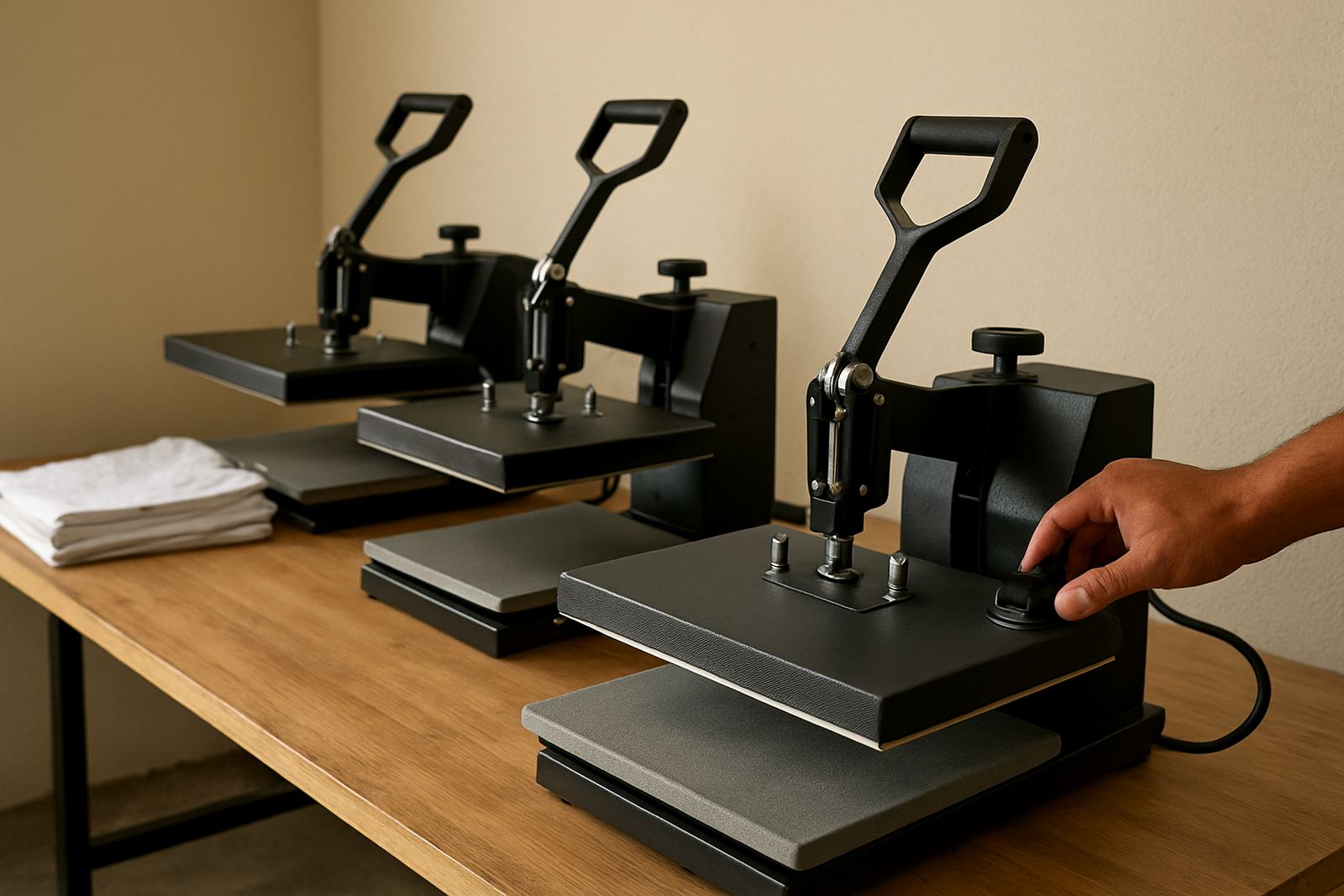
A press that is not properly set up will give you mixed results no matter how careful the operator is. Before the first job of the day, check that the temperature reading matches the actual platen surface, the lower pad is even, and the pressure is consistent from side to side. If the press has been off during a power cut, allow enough warm-up time for the platen and base to settle.
- Confirm the set temperature and actual platen temperature.
- Check the pressure with a test garment or pressure strip.
- Make sure the pad is clean, flat and free from debris.
- Test the timer and note if it starts only after full closure.
- Check that transfer film, vinyl or paper is stored dry and clean.
If you are working in a coastal area like Durban or Cape Town, moisture in the room can slow the first few jobs. A quick test press on scrap fabric can save a full batch from being underpressed.
How To Find The Best Cycle Time For Your Material
Start with the recommendation from the transfer supplier or print process, then test on a sample before doing a production run. A 100 percent cotton T-shirt may need a different cycle to a polyester blend, and puff or textured transfers need their own settings. The best result is not just a clean finish, it is a bond that holds up under wear and washing.
Use a simple test method. Press one sample at the standard time, one with a shorter cycle and one with a longer cycle. Wash them if possible, then compare edge lift, gloss, hand feel and colour stability. Keep a job card with the result so your team does not have to guess next time.
- Record the fabric type and colour.
- Note the transfer or vinyl type.
- Write down temperature, pressure and time.
- Keep a photo of the finished sample for reference.
- Update the settings when the supplier changes the material spec.
Signs You Are Under Pressing
Under pressing usually shows up as weak adhesion, poor edge seal or a transfer that starts lifting after the first wash. Sometimes it looks fine when it leaves the shop, then the customer phones two days later with a complaint. That is often a timing or pressure issue, not only a material problem.
Watch for these signs during and after the press. If they show up often, your cycle time is probably too short or the pressure is too light. In some cases the platen is heating unevenly, so one side of the design cures better than the other. That is worth checking with a temperature test.
- Edges lifting after cooling.
- Artwork peels away when stretched lightly.
- Muted colour or weak transfer release.
- Patchy finish on larger prints.
- Complaints after washing, especially on the first wash.
Signs You Are Over Pressing
Too much time under heat can be just as damaging. Some garments will show shine, scorched fibres or a hard, flat feel around the print area. On synthetic blends the fabric can distort or become brittle. Dark garments may show heat marks, while lighter tees can pick up yellowing if the cycle runs too long.
Over pressing can also spoil the finish of a transfer that actually bonded well enough already. If the artwork looks too glossy or the garment feels stiff, reduce the time in small steps, usually one or two seconds at a time. If the result changes too quickly, the temperature may be too high for that media.
Build A Repeatable Workflow For Small Shops And Busy Teams
The fastest way to improve consistency is to standardise the steps that happen before the clock starts. Whether you are running a small shop in the East Rand or a print room in Bloemfontein, one person should not be guessing the time while another is guessing the pressure. Keep a simple written setting sheet next to the press.
A good workflow looks like this: check the garment, check the transfer, confirm temperature, close the press fully, start the timer, and release only when the cycle is complete. If you are training new staff, make them call out each step until it becomes routine. It sounds basic, but this is where a lot of avoidable spoilage happens.
- Sort jobs by fabric type before pressing.
- Keep settings cards within reach of the operator.
- Use the same sample garment for test presses where possible.
- Pause production if the press drifts out of spec.
- Recheck time and temperature settings on your FlatPress before pressing HTV after load shedding or a long idle period.
A Quick End Of Shift Time Check
At the end of the day, do one short review of what worked and what did not. Look at any returns, any rejected garments, and any jobs where the press felt slow or inconsistent. A few minutes spent on checks can save a lot of wasted stock the next morning.
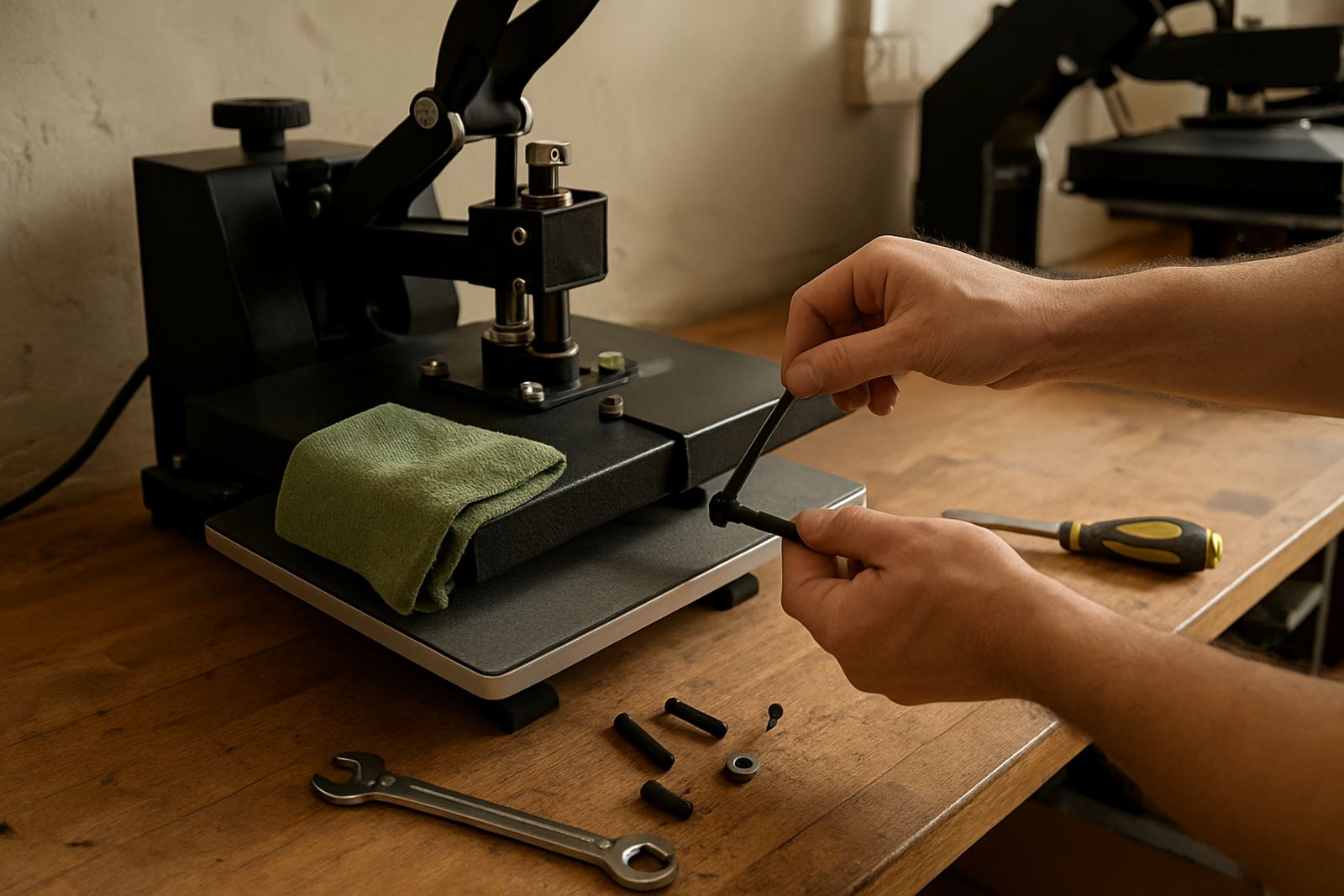
Use this final checklist: was the timer accurate, did the platen stay even, did any job need a second press, and did the finished shirts pass a simple stretch test? If something feels off, note it before the memory fades. Small changes in cycle time can point to worn pads, loose elements or a controller fault, so the issue can be fixed before it affects the next batch.
For shops working across Gauteng and beyond, a consistent time guide keeps output steady even when staff change shifts or orders come in from different towns. The goal is simple: press long enough for a proper bond, but not so long that the garment pays for it.