
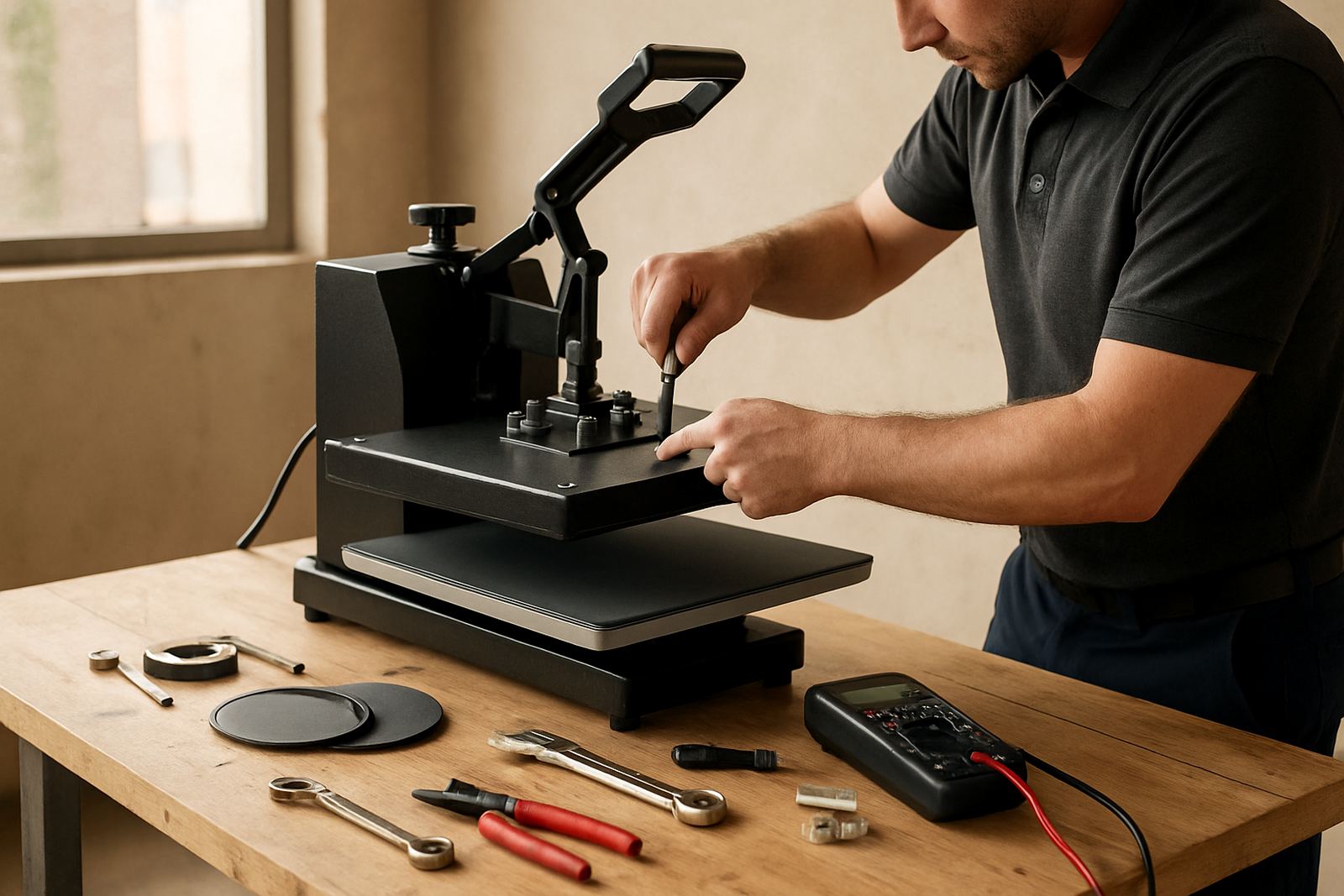
Start With a Clean Press After Every Shift
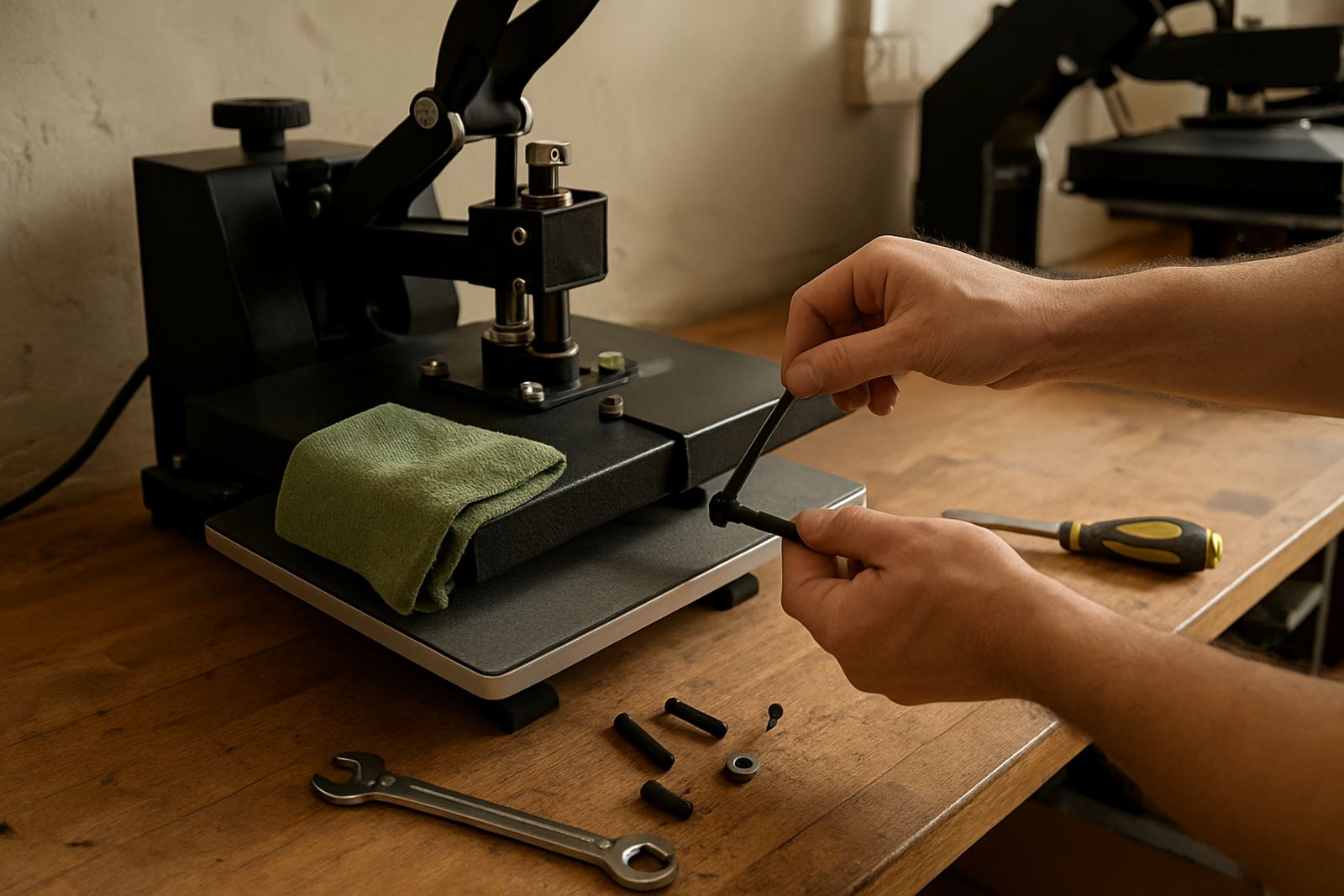
Dust, adhesive residue and lint build up quickly on a press, especially in busy shops where multiple garments are done back to back. Wipe the platen once it has cooled enough to work on, then check the lower pad area for scraps, vinyl edges and transfer film that may have stuck during the day.
In Gauteng the dry air and dust can settle on the machine surface more often than people expect, while coastal humidity in Durban can make residue feel tacky. A clean press helps the garment sit flat and keeps the covering from becoming uneven or marked.
- Switch off and isolate power before cleaning.
- Use a soft cloth for the platen and frame.
- Remove loose scraps from the pad edges and hinges.
- Check the work area for loose powder, threads and trim.
Check Temperature and Pressure Before Production
Before starting a run, confirm that the press is reaching the set temperature and holding it properly. If the display looks right but the garment results are off, the issue may be poor heat transfer, worn elements or pressure that is too light or too heavy. A quick test sheet or sample garment can save a full batch from being scrapped.
Pressure should feel even across the platen. If one side closes harder than the other, the pad may be worn or the press may need adjustment. Many decorators only notice this after a transfer peels badly or a T shirt shows a faded patch on one corner, so test before the rush starts.
- Confirm the set temperature with a separate check when needed.
- Close the press on a sample and feel for even resistance.
- Watch for hot spots, cooler areas or unusual recovery time.
- Record any change in results so it can be traced later.
Look After the Pad and Covering
The lower pad carries most of the daily wear. If it becomes compressed, scorched or uneven, the press will stop giving a clean finish. Replace or recover it before the surface starts affecting print quality. A pad that has gone hard can also make pressure feel wrong even when the handle or pneumatic setup seems fine.
Keep the covering smooth and free of adhesive build up. Small dents, folds or bits of vinyl under the cover can show through on light garments. In coastal areas where humidity is higher, check the pad more often because moisture can affect the feel and response of the surface.
- Inspect the pad for flat spots and cracks.
- Replace scorched or stained coverings.
- Keep the pad aligned with the platen above it.
- Check for trapped offcuts beneath the cover.
Pay Attention to Cables, Controllers and Safety Points
Loose plugs, damaged cables and controller faults can cause unexpected stoppages or unsafe working conditions. Before the day starts, look at the power lead, switches and display for signs of wear. If a control panel flickers, the set point jumps around or the press does not heat evenly, stop using it until the fault is checked.
Load shedding adds another layer of strain because presses are switched on and off more often than usual. After power is restored, allow the unit to warm up properly and make sure the controller has returned to the correct setting before production starts again. Do not bypass safety features or use a damaged cord for even a short run.
- Inspect the plug, cable and switch for heat marks or cuts.
- Keep the controller area dry and free of cleaning liquid.
- Test the machine after power interruptions before taking orders.
- Report intermittent faults early, not after a full job fails.
Build a Simple Weekly Maintenance Routine
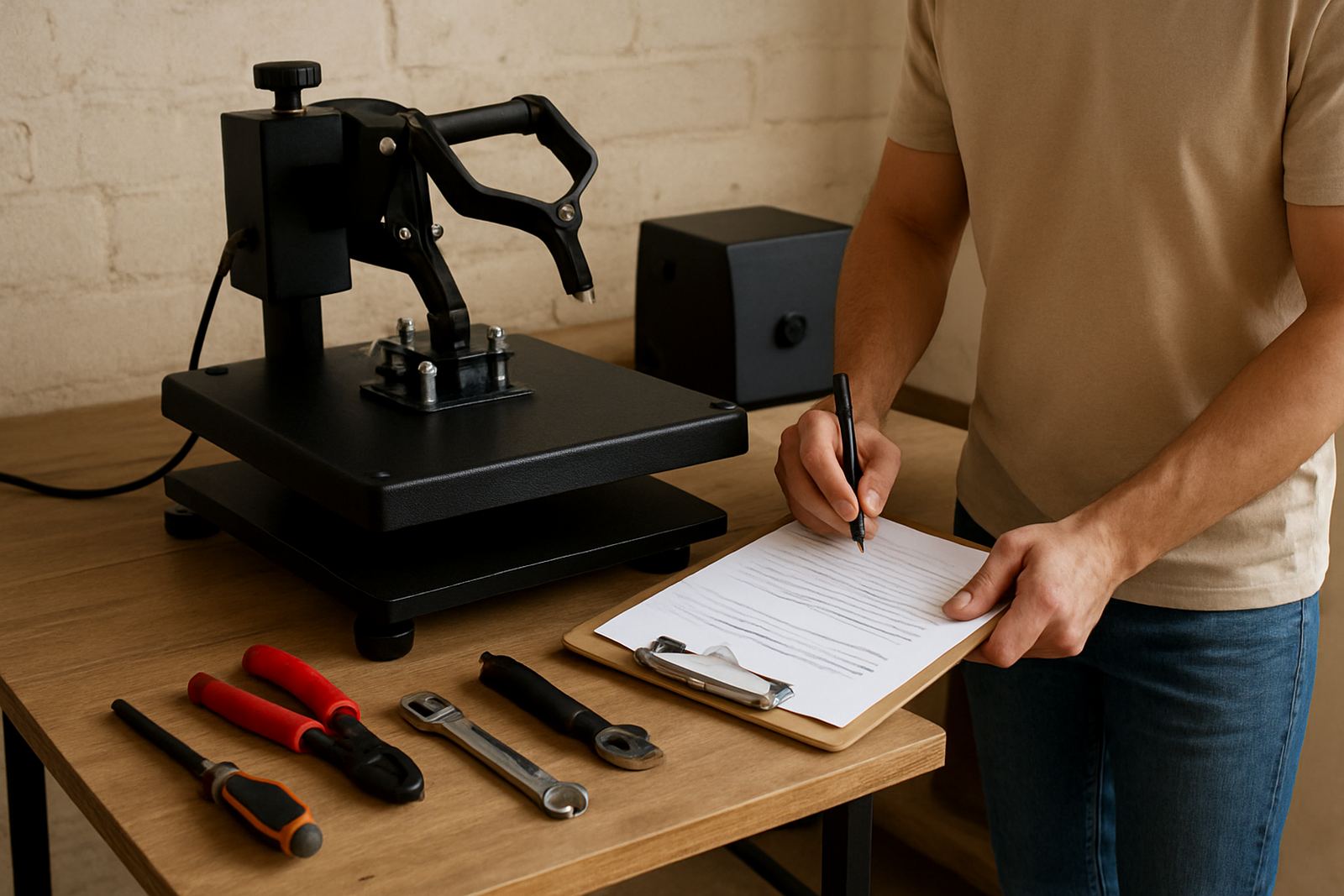
A weekly check catches small problems before they become expensive repairs. This does not need a long shutdown. Ten to fifteen minutes is enough for a basic inspection if the machine is used regularly. Shops in Johannesburg, Pretoria, Midrand and the East Rand often find that a fixed weekly routine keeps staff accountable and reduces avoidable downtime.
Use the same checklist each time so the same points are not missed. If more than one operator uses the press, assign one person to record what was checked and what needs follow up. That way the workshop does not depend on memory alone.
- Wipe down the body and platen surfaces.
- Check pressure alignment and closing feel.
- Inspect the pad, covering and hinges.
- Confirm the temperature display and timer response.
- Note any noise, wobble or slow heat recovery.
When to Call for Servicing or Spares Support
Some issues can be solved by cleaning or adjusting, but others need proper workshop attention. If a press starts giving uneven transfers, refuses to hold temperature, blows a fuse or shows pressure problems that keep returning, it is time for servicing. Delaying the repair usually leads to more wasted material and longer downtime.
For small garment decorators, hobby users and larger print shops alike, it helps to keep a record of the model, serial details and the symptoms seen on the day. That makes troubleshooting quicker when support is requested through the enquiry form. Where needed, a loan unit can keep production moving while a repair or part replacement is handled.
Routine servicing also matters for presses used across Gauteng and nationwide, especially when they move by courier between branches or events. Transport can loosen fittings and a quick check after delivery can prevent avoidable problems.