
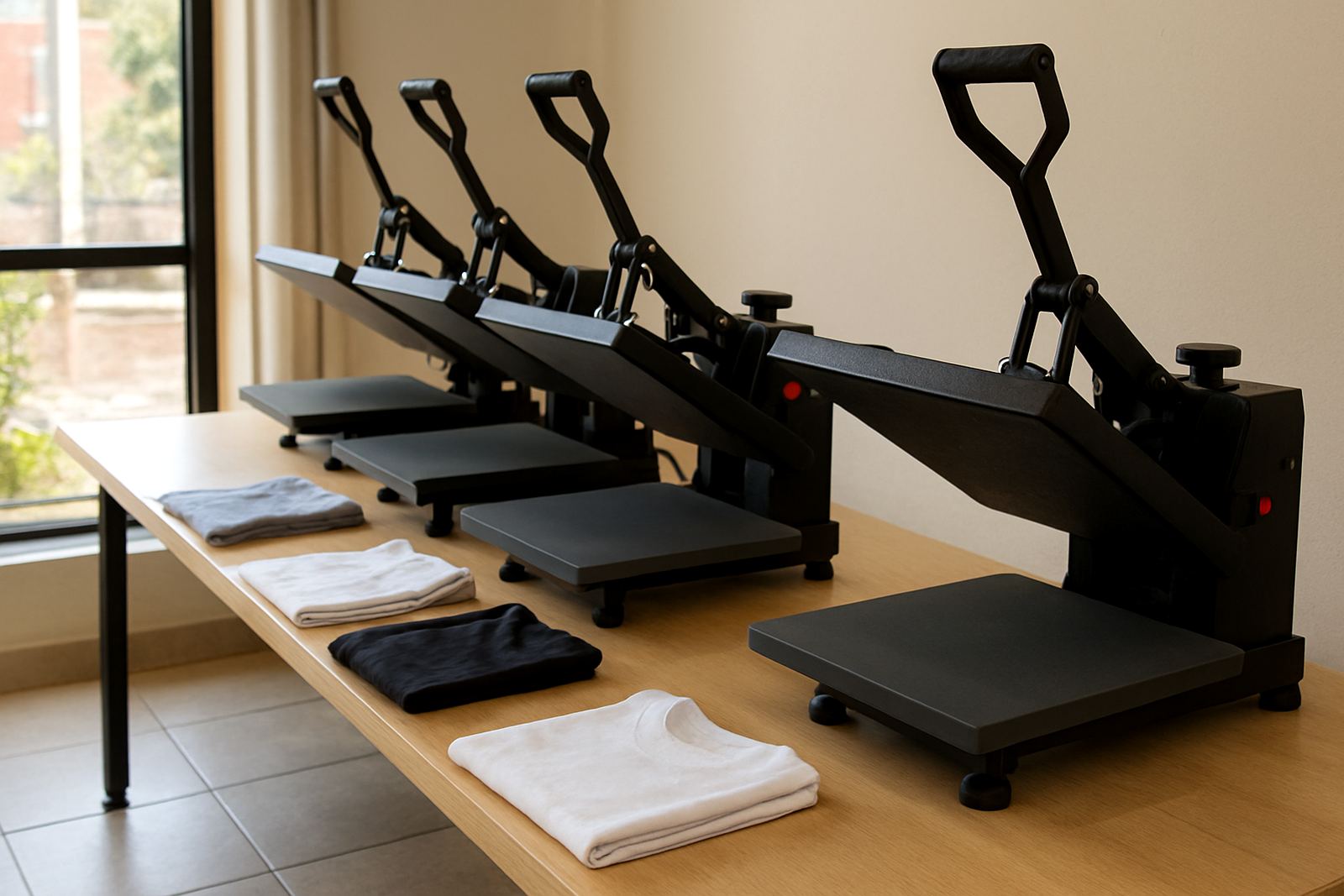
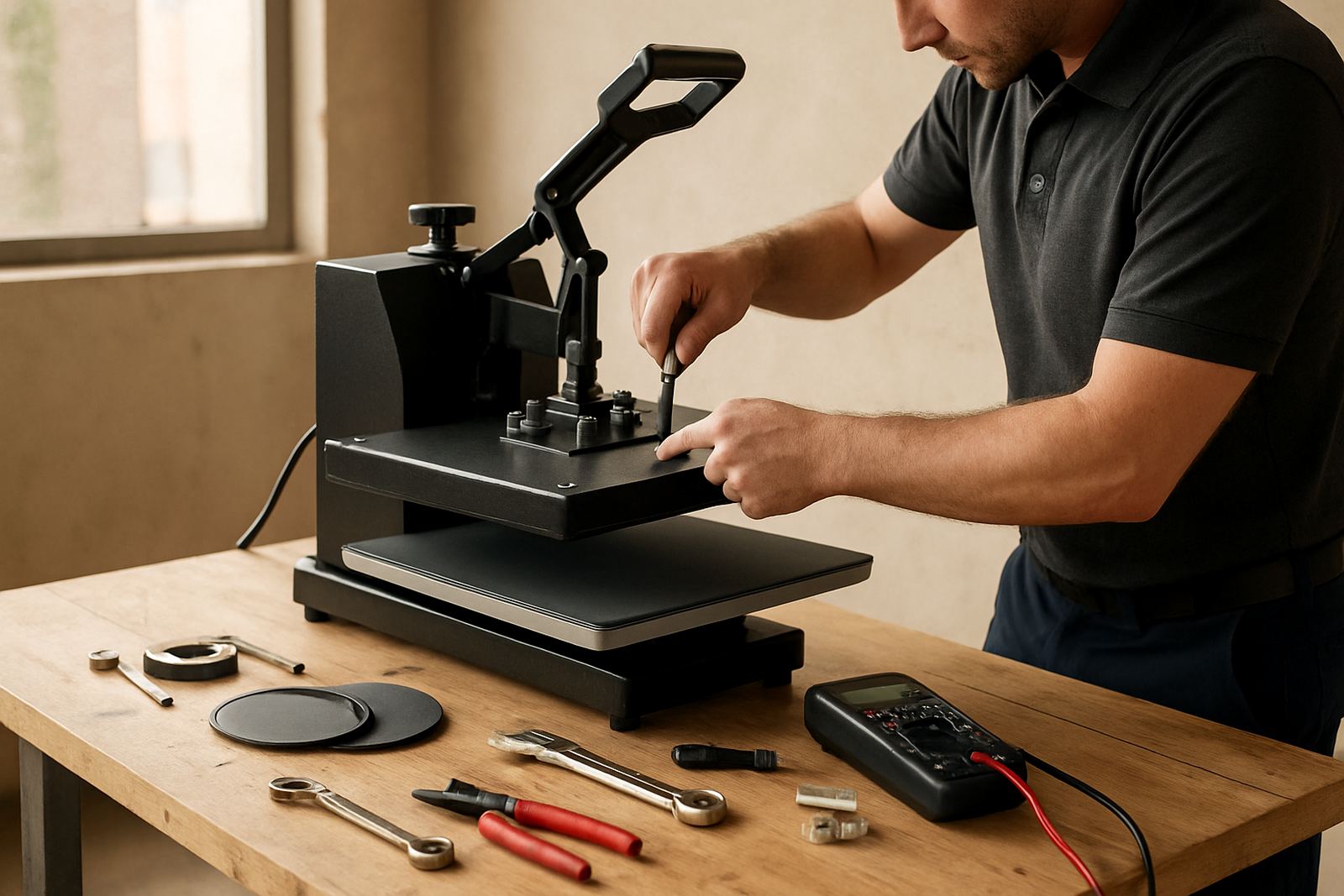
Why temperature matters on flat heat presses
Heat is doing most of the work on a transfer press, so if the setting is wrong the rest of the job suffers. Too cold and the transfer may not bond properly. Too hot and you can scorch fabric, flatten garment texture, or damage the transfer film.
For small shops in Midrand, Johannesburg or Pretoria, temperature control also helps with repeat orders. If a customer comes back for 20 more shirts next week, you want the same result on every piece. That consistency saves time, wastage and rework.
In summer, workshop heat and long production runs can affect a press more than people expect. A machine that reads fine at the start of the day can drift once it has been running for hours, especially if the room is hot or the unit is switched on and off around load shedding.
How to check the temperature properly
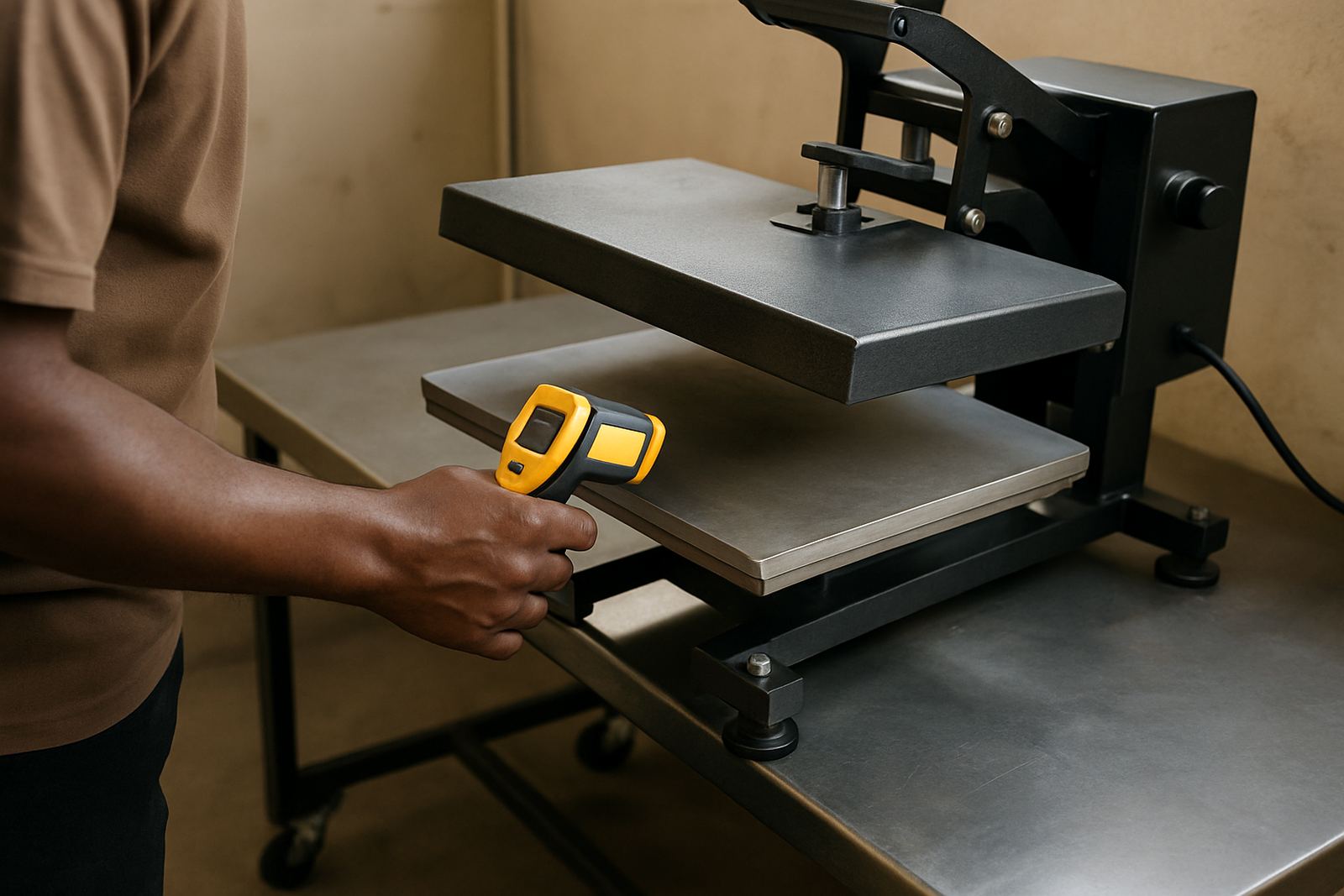
Do not rely only on the controller display. A display tells you what the machine thinks the heat is, not always what the platen is actually delivering. Use a surface temperature checker or a reliable probe made for heat presses.
Let the press warm up fully before checking. Most flat presses need time to stabilise, especially after startup or after a power interruption. Check the centre and then the corners, because even heat spread matters when you are pressing full-front prints or larger transfer areas.
- Switch the press on and let it reach set temperature.
- Wait another 10 to 15 minutes so the plate settles.
- Test the centre, left, right, top and bottom of the platen.
- Write down the readings for future reference.
- Repeat the check after a long production run.
If you are seeing a big gap between the display and the actual surface, or the readings keep changing, the machine needs attention. A temprature issue can come from a controller fault, element wear or poor calibration.
Simple settings for common garment work
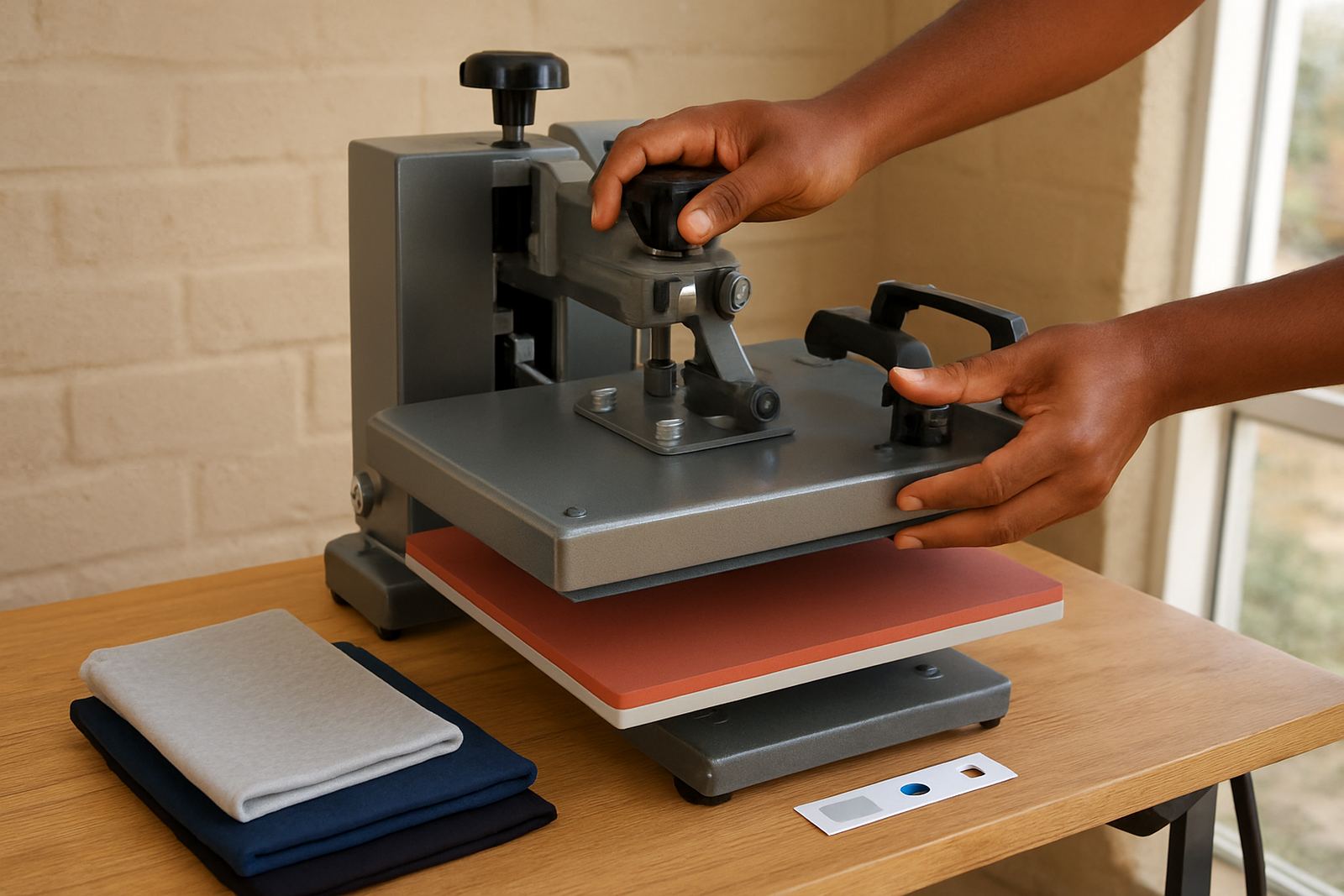
Different transfer materials need different heat, dwell time and pressure. Always follow the transfer supplier's instructions first, then test on a spare garment. Cotton, polyester blends and coated items can behave very differently.
A good starting point is to work with the transfer maker's recommended range and record what works best on your own press. Once you have a setting that gives clean release and strong wash durability, keep it written down near the machine. That helps when staff change shifts or when more than one operator uses the press.
- Use the same sample garment type for testing.
- Keep notes for temperature, time and pressure together.
- Adjust one thing at a time, not all three.
- Test after any controller repair or element replacement.
If a job needs a lower temperature but longer press time, do not just guess. A small change can make the difference between a neat finish and a warped transfer, especially on thin synthetics or light coloured shirts.
What to do when the press runs too hot or too cold
If the platen overshoots or never quite reaches set temperature, stop production and check the basics first. Loose wiring, a failing heating element, a faulty probe or a tired controller can all cause trouble. Do not keep running production and hope it settles down.
When a press runs too hot, look for scorched print edges, shiny patches on fabric and transfers that shrink or crack. When it runs too cold, look for weak adhesion, lifting corners and transfers that peel after washing. These are not just quality problems, they are also cost problems.
Keep this quick checklist nearby:
- Check the controller setting and actual surface reading.
- Inspect the power supply and plug.
- Listen for unusual cycling or clicking.
- Confirm that the pressure is still even across the platen.
- Arrange a service if the readings are unstable.
If you are working in Durban or other coastal areas, humidity can also affect how some materials behave before pressing. Keep transfers stored dry and sealed. Moisture in the room or in the garment can lead to inconsistent results even when the machine seems fine.
Pressure, padding and temperature work together
Temperature is only one part of the pressing process. Pressure and padding matter too. If the pad is worn out or the covering is damaged, the heat may not transfer evenly and you can end up overcompensating by turning the heat up too far.
Check that the lower pad is level, clean and not compressed on one side. A damaged cover can create hot spots or cooler areas, and that often gets blamed on the heater when the real issue is mechanical. If the plate is correctly heated but the transfer still fails on one side, inspect the padding before changing the settings again.
Good operators know that pressure changes how heat behaves. Light pressure can leave a transfer undercooked. Heavy pressure can flatten print texture or push adhesive too far into the garment weave. Find the middle point for the job and keep it consistent.
Daily checklist for busy shops and mobile setups
Whether you are running a small print corner in Bloemfontein or a higher volume shop in the East Rand, a short daily routine saves time. It also makes fault finding easier when something goes wrong later in the week.
- Wipe the platens before switching on.
- Check the controller display at start-up.
- Confirm even heat before the first order.
- Inspect the pad, cover and release sheet condition.
- Recheck heat after a power cut or load shedding event.
- Note any unusual smell, noise or slow recovery time.
If your team rotates between machines, make sure everyone uses the same written settings. That way the press is not being adjusted differently by every operator, which is a common cause of confusion in busy workshops.
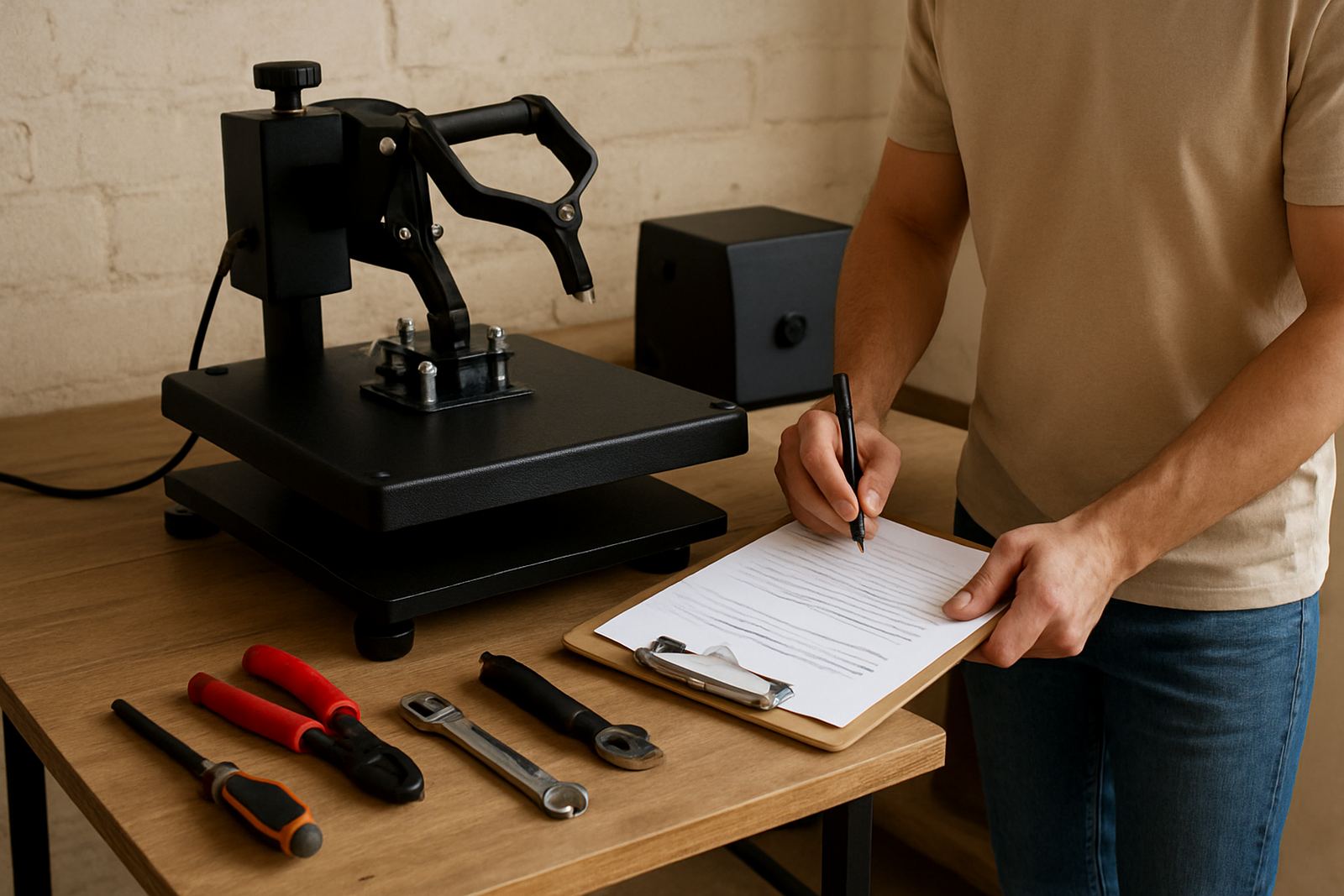
A simple log book can help. Record the date, set temperature, actual reading, job type and any faults noticed. It takes one minute and can save hours later when you need to compare results or explain a repeat problem.
When to call for support or a workshop check
Some temperature issues need more than a quick adjustment. If the press will not stabilise, has visible heat variation, or keeps tripping after warm-up, it is time for support. Continued use can worsen the damage and put jobs at risk.
FlatPress assists with new press setup, temperature checks, controller repairs, element replacements, preventive servicing and operator training. If you are in Midrand, Johannesburg, Pretoria, Durban, Cape Town or Bloemfontein, we can help on-site or arrange courier support nationwide where needed.
Use the enquiry form on our contact page if you need help with a press that is running out of range, has an unreliable display or needs a full service. The sooner the issue is checked, the easier it is to keep production steady.