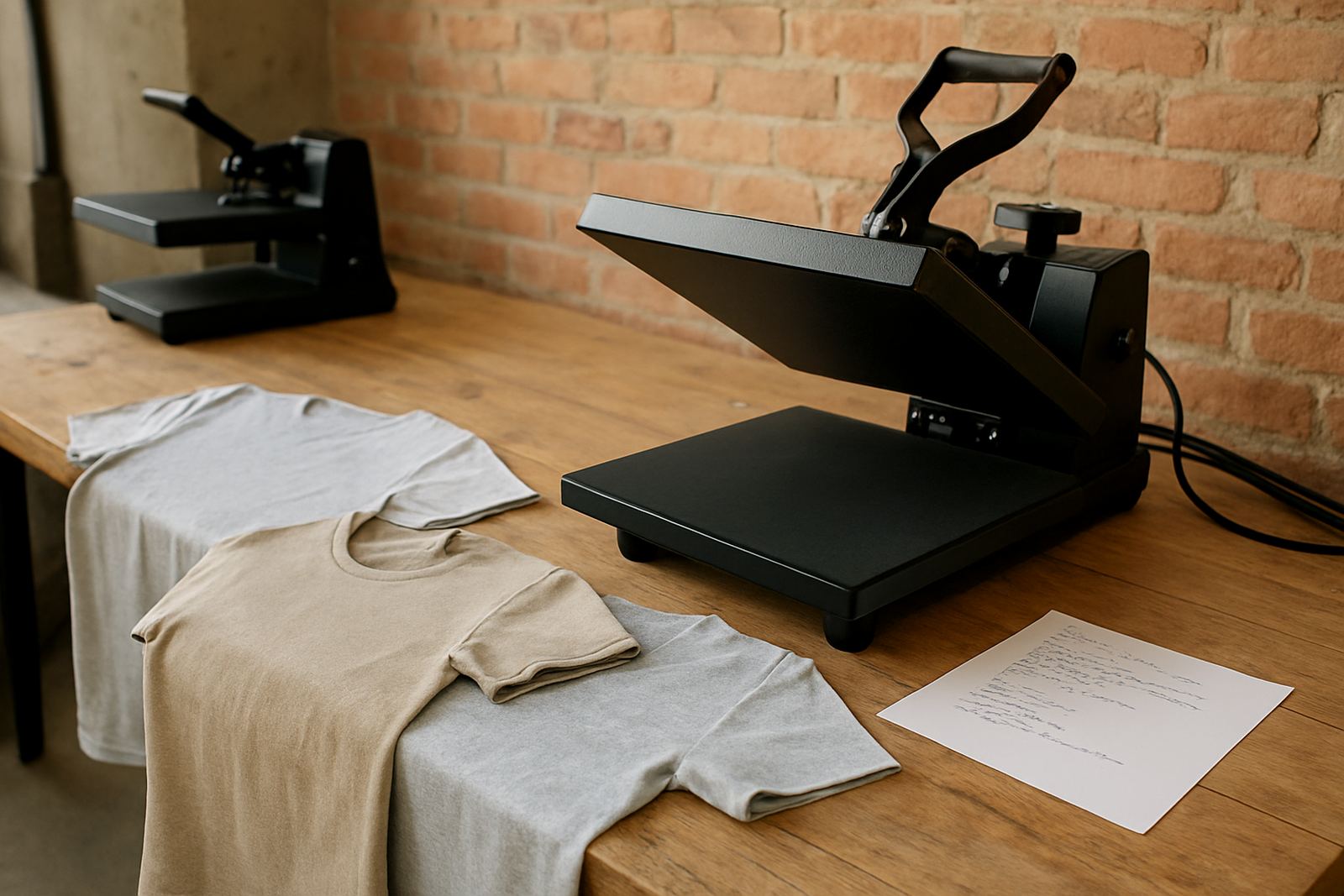

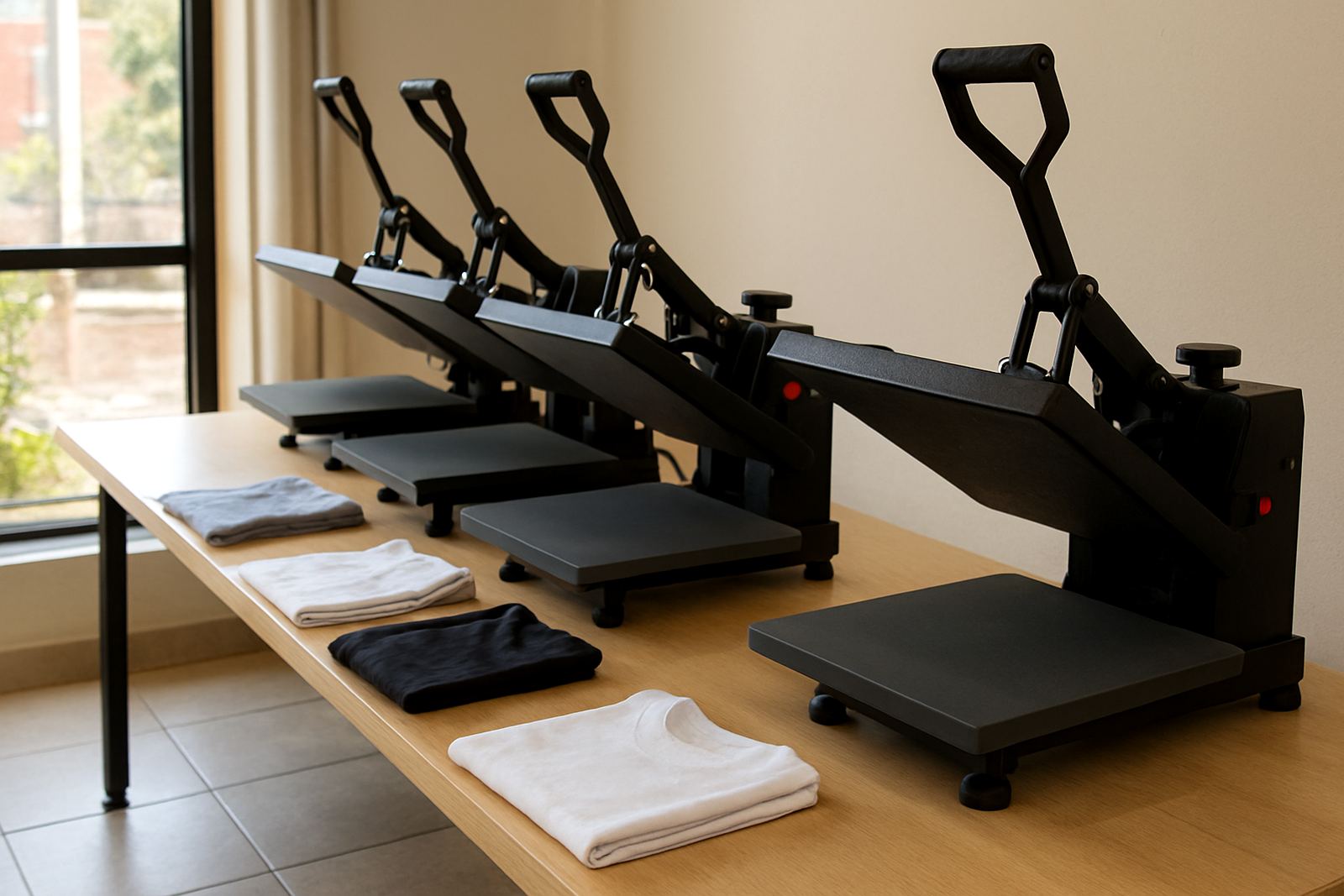
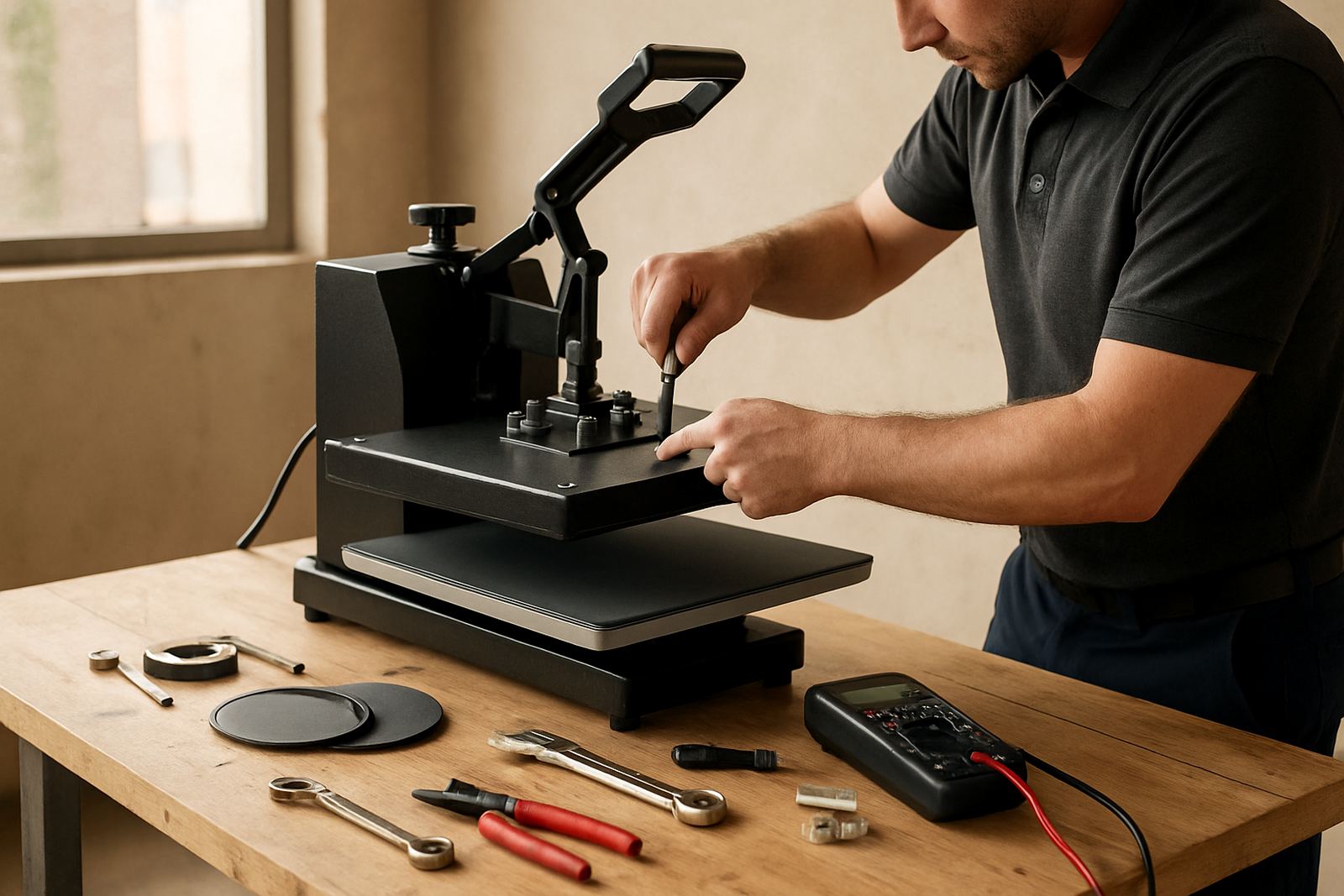
When your press needs attention
Book service as soon as you notice uneven prints, slow warm-up, drifting temperature or pressure that changes from job to job. A small fault can turn into wasted garments fast, especially when you are running short production windows in Johannesburg, Pretoria or Durban.
If you are pressing daily, a preventive check once or twice a year is a sensible plan. Busy shops, schools, promo printers and hobby operators who run weekend batches may still need a check even if the machine seems fine. Heat presses work under constant heat and pressure, so parts wear quietly before they fail.
- Book service if the temperature overshoots or falls below set point.
- Book service if the handle feels loose or the platen does not close squarely.
- Book service if transfers are patchy on one side only.
- Book service if the controller restarts, flickers or gives strange readings.
- Book service if the pad is worn, split or leaving marks on fabric.
Do not wait for a full breakdown if you depend on one machine for daily production. A short stop for checks can save a full day of lost work and reprints.
What to expect during a service booking
When you log a service request through the enquiry form, the team will first ask what model you have, what fault you are seeing and how urgent the job is. In many cases, simple problems can be narrowed down by phone first, which helps us decide whether you need a site visit, workshop repair or courier collection.
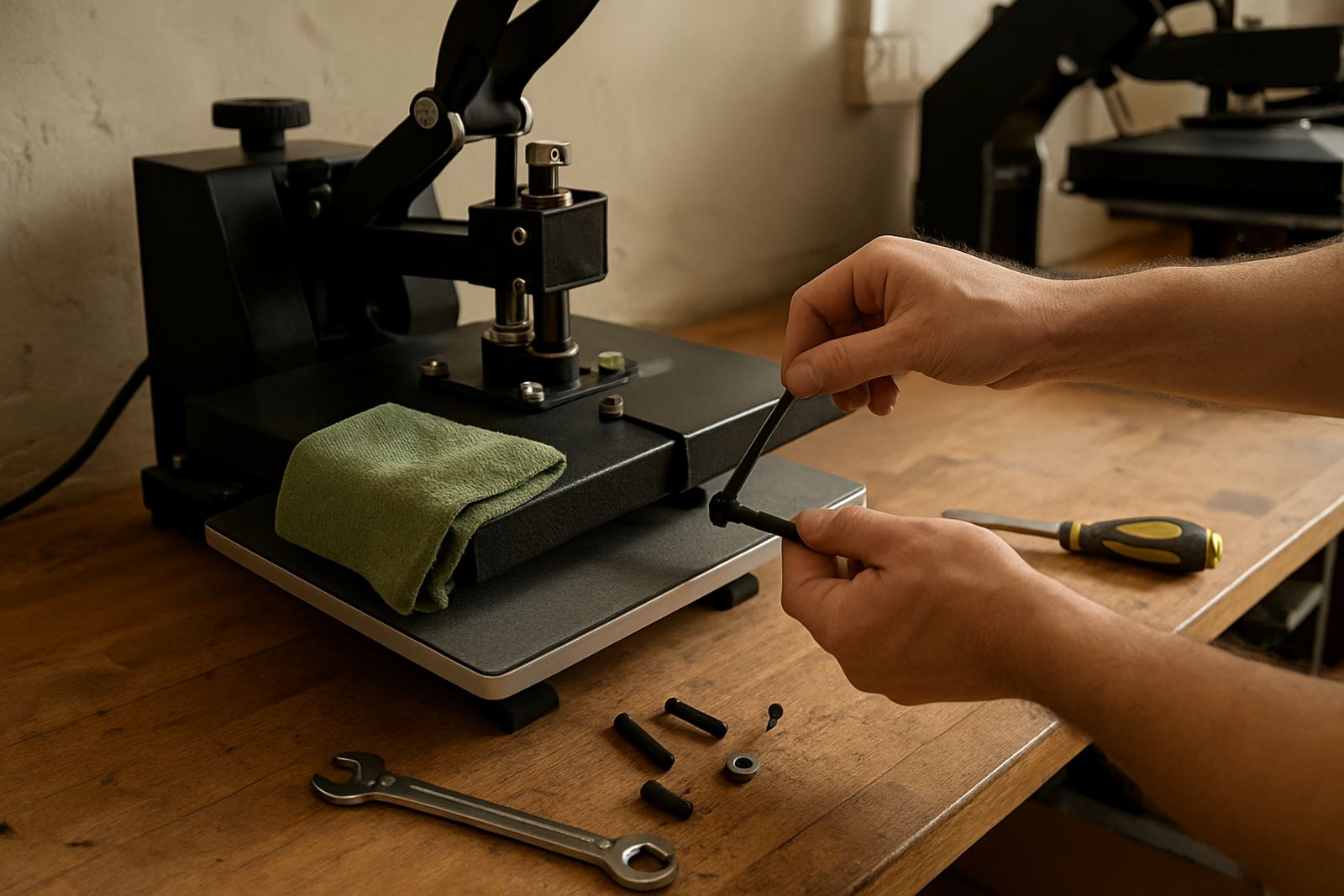
On arrival or in the workshop, the press is checked for temperature accuracy, pressure balance, platen alignment, wiring condition and control function. We also look at wear items like pads, covers, elements and moving parts. If the machine is a pneumatic unit, line condition and air supply are checked too.
- Temperature check across the platen surface.
- Pressure adjustment to correct light or heavy contact.
- Controller fault finding and repair where possible.
- Element replacement if heat output is uneven or absent.
- Pad and covering inspection for marks, wear or heat damage.
If parts are required, you will be told what is needed before work continues. That keeps the repair clear and helps you plan around stock, lead times and production bookings.
How to prepare your machine before you send it in
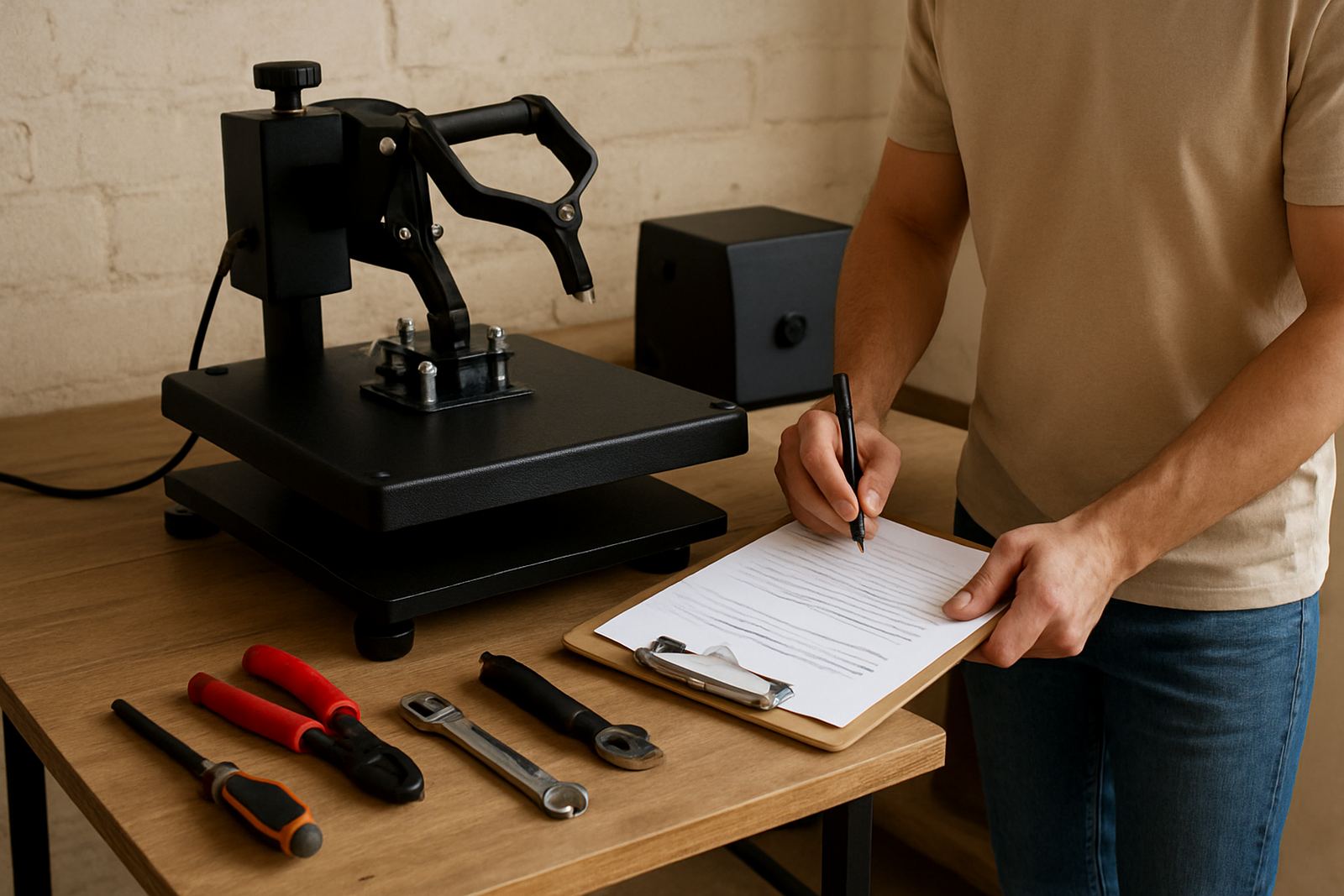
A little preparation speeds up the job and helps the technician find the fault quickly. Clean the press, remove loose transfer residue and note exactly when the issue started. If the machine only fails after warming up, or only on certain fabrics, say so. Those details matter.
If you are sending a press from Cape Town, Bloemfontein or outlying Gauteng areas by courier, pack it so the platen cannot move during transit. Protect the control box and keep small fittings together in a labelled bag. If possible, include a note with your business name, contact person and a short fault description. That makes intake and feedback much smoother.
- Switch off and unplug the unit before moving it.
- Let the machine cool fully before packing.
- Take off loose accessories and store them separately.
- Wrap delicate parts and prevent metal-on-metal contact.
- Send photos of the fault if you are unsure what to explain.
For on-site work, make sure there is clear access to the machine, a clean work area and a stable power supply. If load-shedding has been affecting your area, tell us whether the problem started after an outage or surge. That information can point to controller or element damage faster.
Training that prevents repeat faults
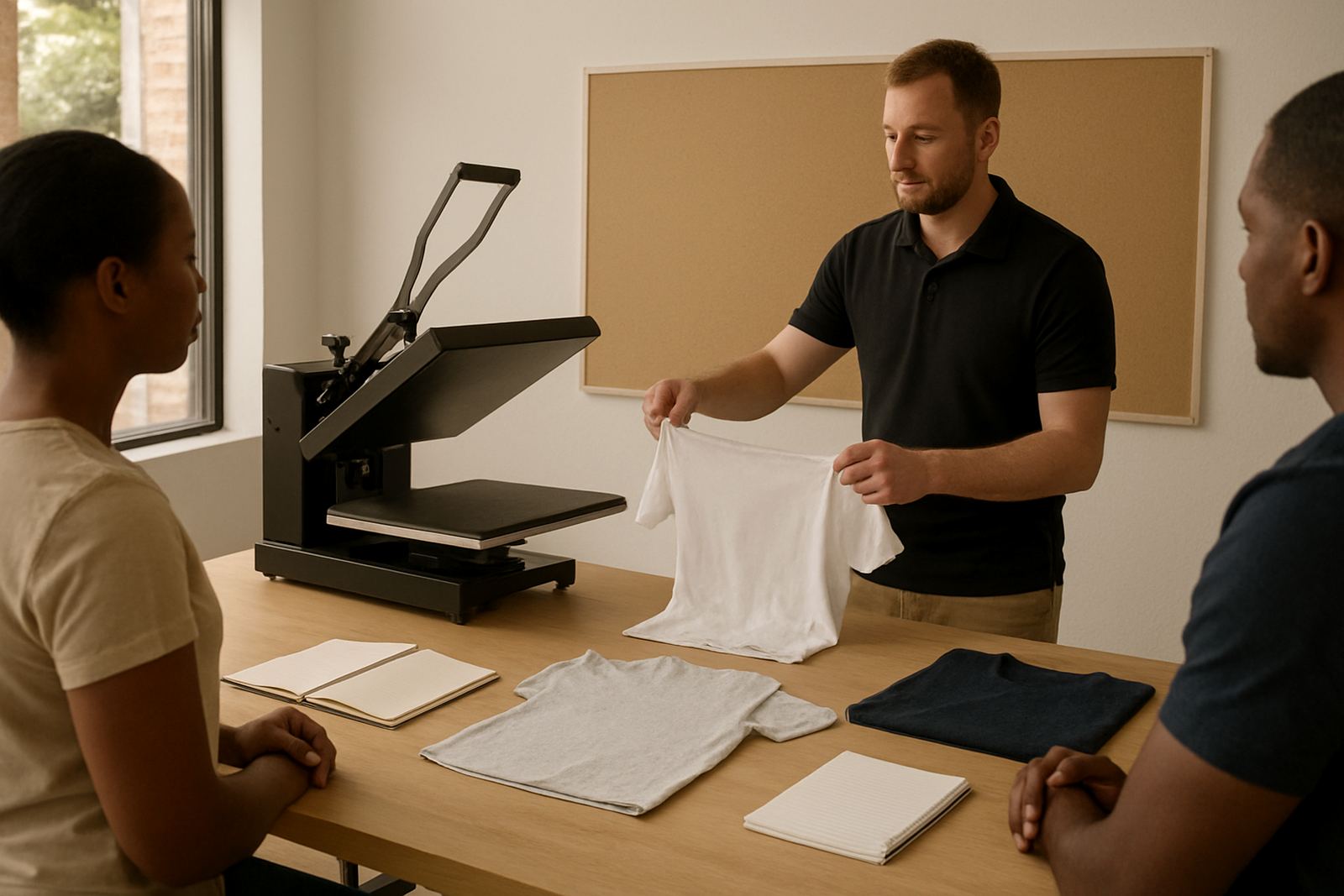
Many service calls are caused by small operator habits rather than major breakdowns. Incorrect pressure, poor garment placement and rushed start-up checks can create repeat faults. That is why operator training is part of the service offering for small shops and growing print rooms.
A good operator should know how to set time, temperature and pressure for the material in front of them. They should also know how to test a new transfer before running a full batch. For shops in busy areas like the East Rand or West Rand, this can save a lot of wastage during peak order periods.
Training usually covers practical steps on the machine, not theory for the sake of it. The aim is simple: fewer rejects, safer handling and better results from the first press to the last. If several staff use the same unit, training all key operators helps keep results consistent.
- Set the right temperature for the transfer type.
- Check pressure before each new job.
- Confirm platen contact across the full surface.
- Use test garments when running a new substrate.
- Keep a written log of common settings for repeat work.
Spare parts, loan units and quick recovery
Downtime is usually more costly than the repair itself. If a controller fails, an element burns out or a pressure system needs attention, fast access to spares can make the difference between finishing the week and losing orders. Where possible, the right spare is sourced and fitted quickly so the machine can return to work without delay.
Some repairs need workshop time, while others can be handled on site or by guided phone support. In urgent cases, loan unit support may be arranged depending on the fault and location. This is especially useful for shops handling contract work, school orders or event deadlines.
Preventive servicing also helps reduce repeat faults. A machine that gets checked before the busy season, after a power event or before a major print run is less likely to stop in the middle of production. If you run presses in humid coastal conditions or in a workshop with dust, heat and regular movement, wear can build up faster than expected.
- Keep a basic spare list for common wear parts.
- Replace damaged pads and covers before they mark garments.
- Check cables and plugs after any power interruption.
- Schedule servicing before peak trading periods.
- Ask about loan support when your only machine is down.
Keeping downtime low in daily production
The best way to reduce downtime is to treat the press like a production tool, not just a machine that switches on when needed. Build a simple start-up routine: power check, heat check, pressure check and a quick test press. It takes only a few minutes, and it catches many problems before garments are wasted.
Keep the area around the press tidy, dry and free of loose film, paper scraps and fabric offcuts. Dirt around moving parts can cause wear. Keep a record of faults, service dates and replacement parts so patterns become clear over time. If the same issue returns every few weeks, there is usually a deeper cause that should be fixed properly.
For shops serving customers across Midrand, Johannesburg, Pretoria and beyond, planning matters. Schedule routine checks before month-end rushes, before long weekends and before larger production runs. That gives you time to order parts, book transport or arrange a site visit without pressure.
When you need help, use the enquiry form and give as much detail as possible. A clear description shortens diagnosis and helps the team get you back to work faster. Small steps taken early often save a full stop later on.