
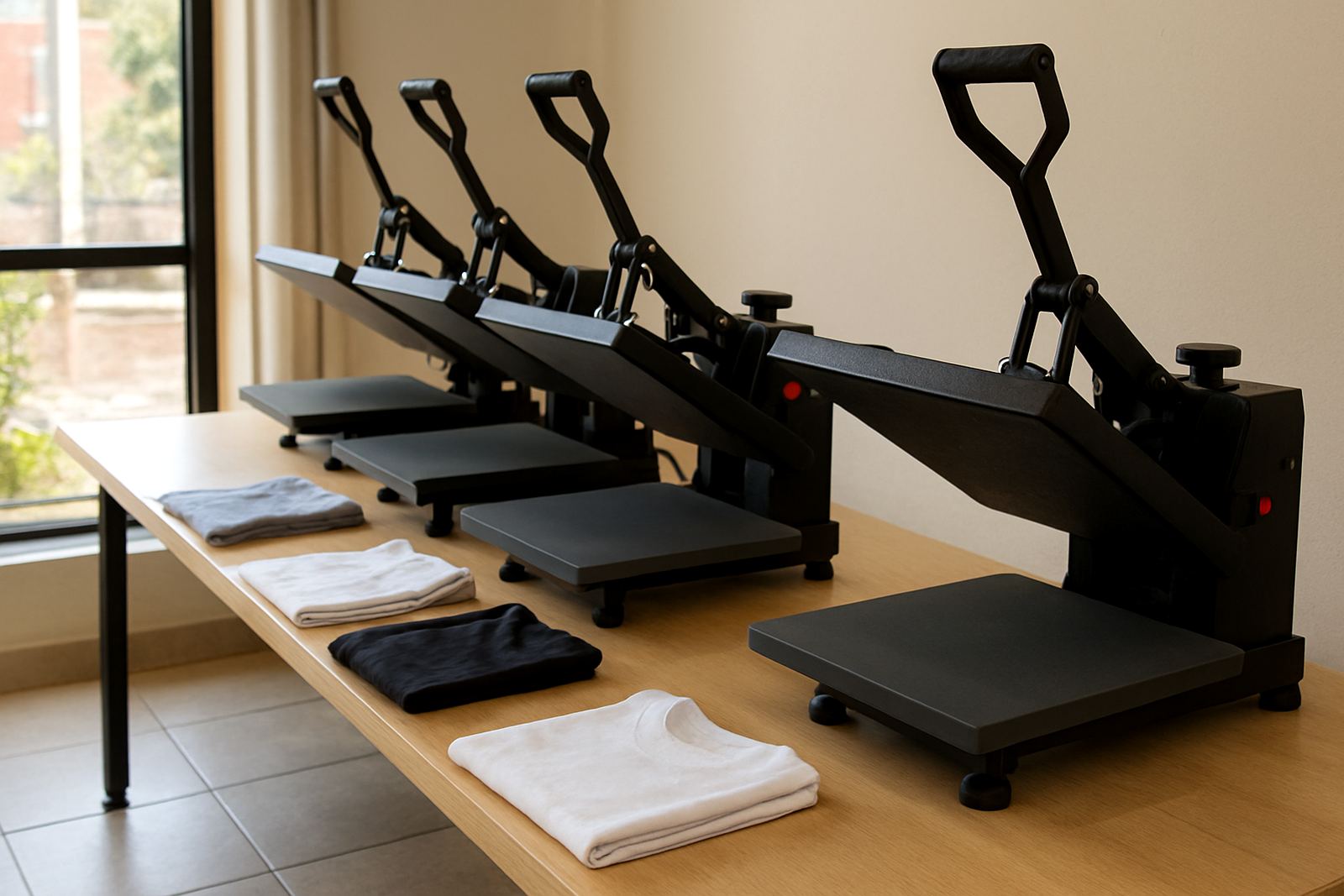
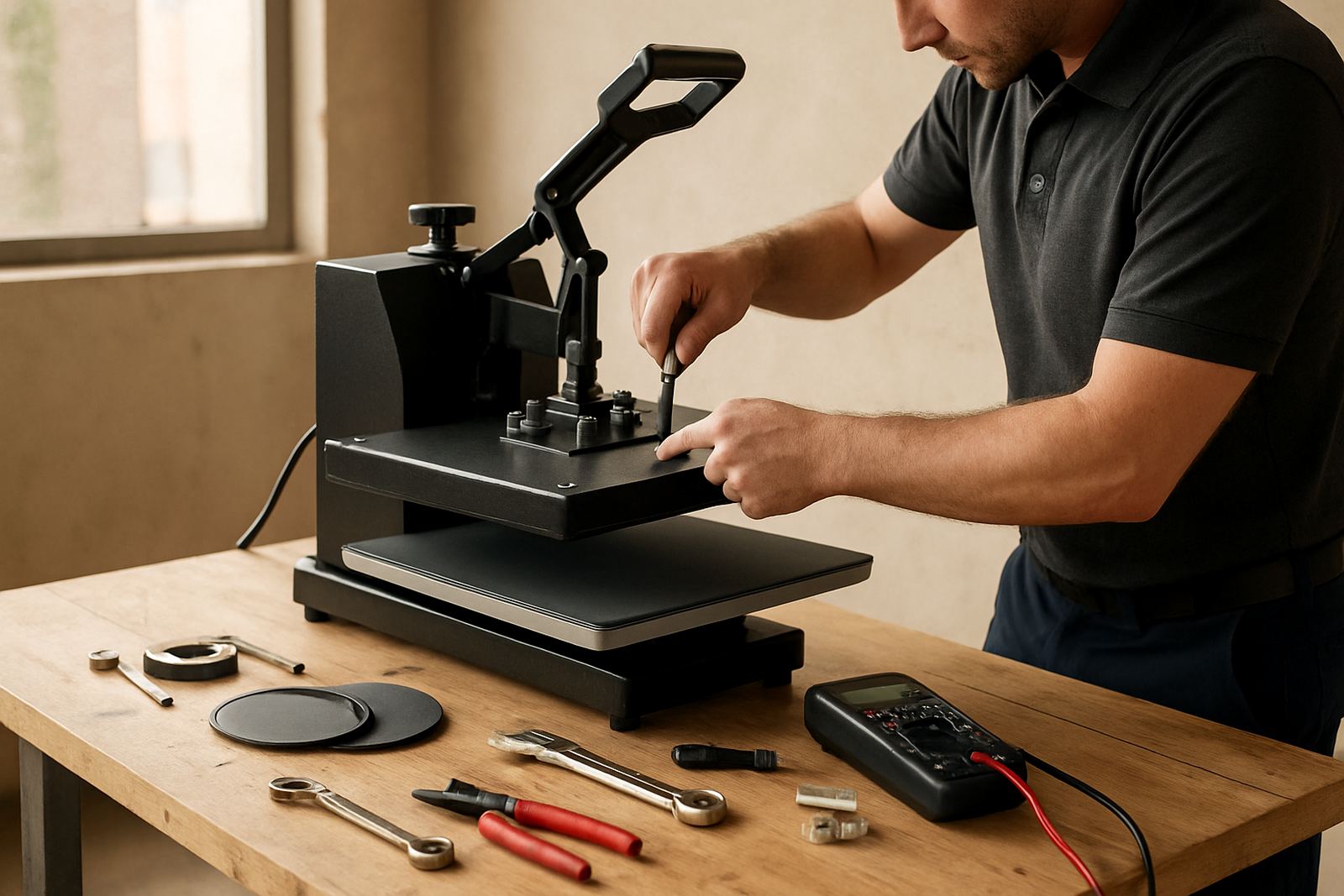
What pressure means on a flat heat press
Pressure is the force the top platen puts onto the garment, transfer or substrate while heat is being applied. In simple terms, it is how tightly the press closes, and that affects contact, adhesion and how the final print feels. Too little pressure can leave a transfer partly lifted or uneven. Too much pressure can flatten fabric texture, distort a print or leave a hard edge around the image.
In South African shops, pressure also needs to be set with real working conditions in mind. A press in Midrand office hours may behave one way, while the same unit in Durban humidity or a Cape Town workshop with cooler mornings may need a small adjustment. Worn pads, thick garments, heat-resistant paper and even a slightly uneven floor can change the feel at the handle or closing point.
How to recognise light, medium and firm pressure
There is no single universal number for every press. What matters is the feel of the closure and the result on the product. If you are teaching a new operator, use these everyday checks first, then fine tune for your machine and transfer type.
- Light pressure: The top platen closes easily with little resistance. Good for delicate fabrics, some specialty transfers and items that should not be compressed much.
- Medium pressure: Noticeable resistance, but the press still closes without a struggle. A common starting point for many standard T-shirt transfers.
- Firm pressure: The handle or closing action takes clear effort. Used where strong contact is needed, but avoid forcing the mechanism past its normal range.
If you have to lean on the handle, the pressure may be too high or the press may need adjustment. If the unit closes so freely that the top platen barely meets the garment, the pressure is likely too light. The correct setting should feel repeatable from one press cycle to the next, not different every time you close it.
When to use light pressure
Light pressure is usually used when the garment or transfer can be damaged by too much compression. This includes thinner fabric, textured material, some fashion prints and items where you want to keep the original hand feel softer. It is also useful when pressing on seams, zips or areas where you want less flattening around raised details.
Before starting, check that the garment lies flat and the print area is supported evenly. A damaged pad can make a light setting act patchy, because the pressure is not spread correctly. On older units, a soft pad cover or a compressed silicone layer can make the press feel lighter than it really is, so inspect the pad first.
- Check for even contact across the full platen.
- Make sure the transfer lies flat, with no trapped folds.
- Use a test press on a spare garment if you are unsure.
- Watch for ghosting, edge lift or incomplete adhesion.
Where medium pressure gives the best everyday result
Medium pressure is the safest starting point for many standard T-shirt jobs. It gives enough contact for most general transfer work without over-compressing the fabric. For shops that handle mixed orders, medium pressure is often the setting used for basic production because it is practical, quick to repeat and easier to train around.
If you are running several operators, agree on a plain language standard. For example, the press should close with steady resistance and no extra force from the operator, and the print should come off cleanly after the correct dwell time. Keep a note of the press type, garment type and transfer style so the next job can be matched properly. That small bit of discipline can save a lot of rework and presssure-related mistakes.
Medium pressure is also a good point to review temperature and time. Some users try to fix poor adhesion by increasing pressure only, but the issue may be heat, timing or a tired element. If the same transfer works on one machine and fails on another, the pressure may not be the only problem.
Signs that firm pressure is needed
Firm pressure is used when the transfer or substrate needs stronger contact for full adhesion. It can help on thicker material, some hard-surface items and certain transfer types that need more force to bond properly. The aim is not to crush the job, but to make sure the whole image receives even pressure at the same time.
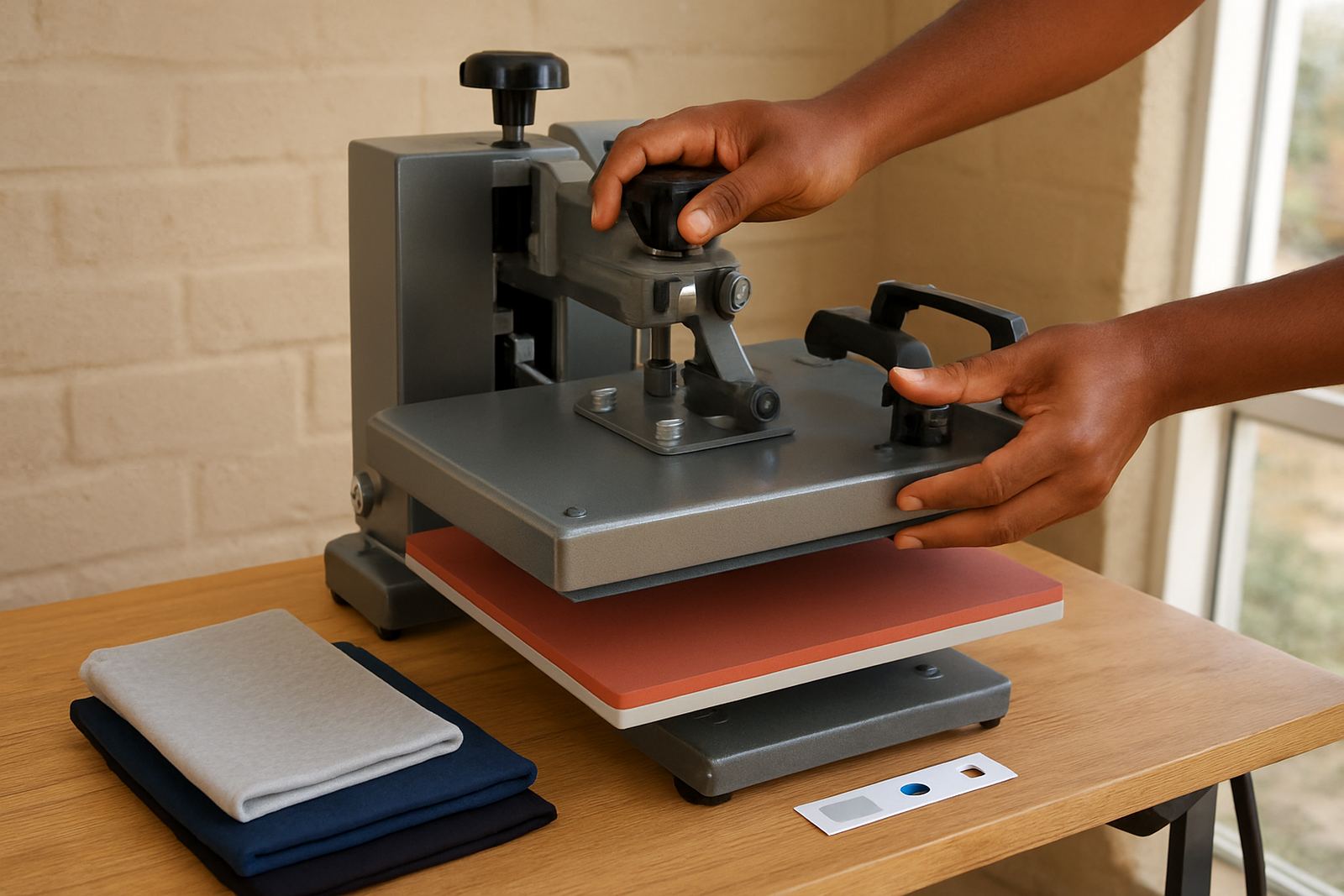
Watch the handle or closure carefully. If the press needs unusual effort, that does not automatically mean it is right. The platen should meet the lower pad squarely, without rocking or one-sided contact. If the right side of the image presses better than the left, or the centre prints well while the edges fail, the machine may need levelling, pad work or a pressure adjustment.
- Check if the transfer needs stronger contact or just more heat.
- Inspect the pad for grooves, marks or hard spots.
- Make sure the platen is sitting level across the full area.
- Confirm that the pressure is not causing garment scorch or glossing.
A simple pressure check routine for daily use
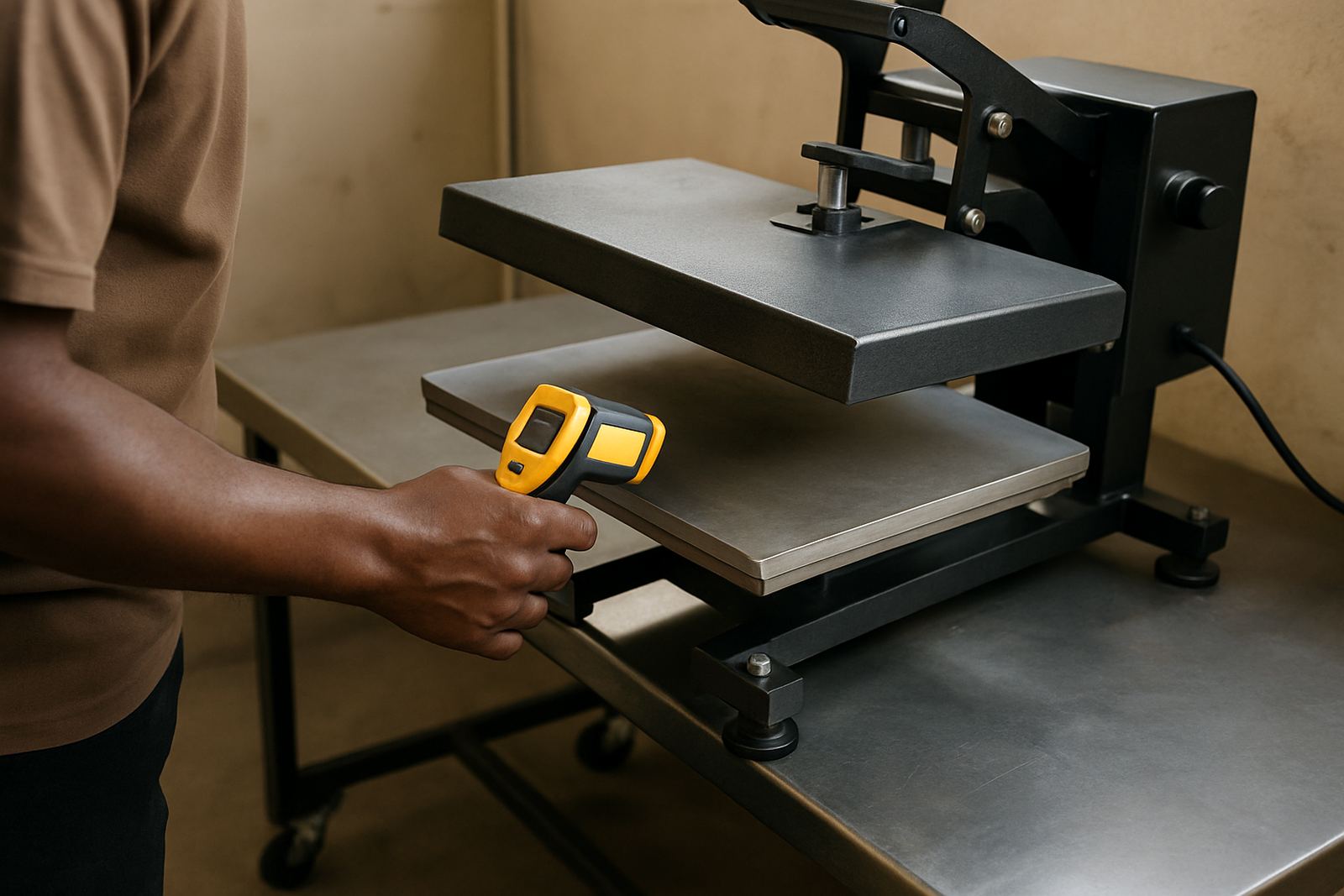
A short routine at the start of the day helps prevent wasted garments and repeat faults. It is especially useful in busy shops, after load-shedding, or when a press has been moved, serviced or fitted with a new pad.
- Warm the press up fully and let the temperature stabilise.
- Close the press on an empty pad and feel the closure point.
- Place a test garment or scrap piece in the centre, then on the corners.
- Check whether contact is even, with no obvious hard or soft spots.
- Run one sample press and inspect the finish, edges and release.
If the pressure feels different from normal, do not carry on blindly. A quick check can reveal a loose handle adjustment, a tired pad or a heater plate that is not sitting correctly. On pneumatic units, also check the air line and pressure supply before blaming the transfer. On manual presses, make sure the closing mechanism is not binding.
Troubleshooting pressure problems before you call for help
Many pressure faults come from small mechanical issues rather than the transfer itself. Start with the basics: look at the pad, the platen alignment, the closing mechanism and whether the garment thickness has changed. A thick hoodie, a seam across the pressing area or a badly worn cover can all make a normal setting behave badly.
Use this quick checklist before you move to a bigger repair:
- Is the pad flat, clean and free of deep marks?
- Are the top and bottom platens closing squarely?
- Has the handle become loose or too tight?
- Has the operator changed the closing action?
- Did the problem start after a power cut, transport or service?
If the machine still does not feel right, it may need a temperature check, pressure adjustment, pad replacement or controller inspection. For shops in Johannesburg, Pretoria, Durban, Cape Town, Bloemfontein and surrounding areas, it is worth keeping a simple log of faults so the same issue is not repeated on the next shift.