
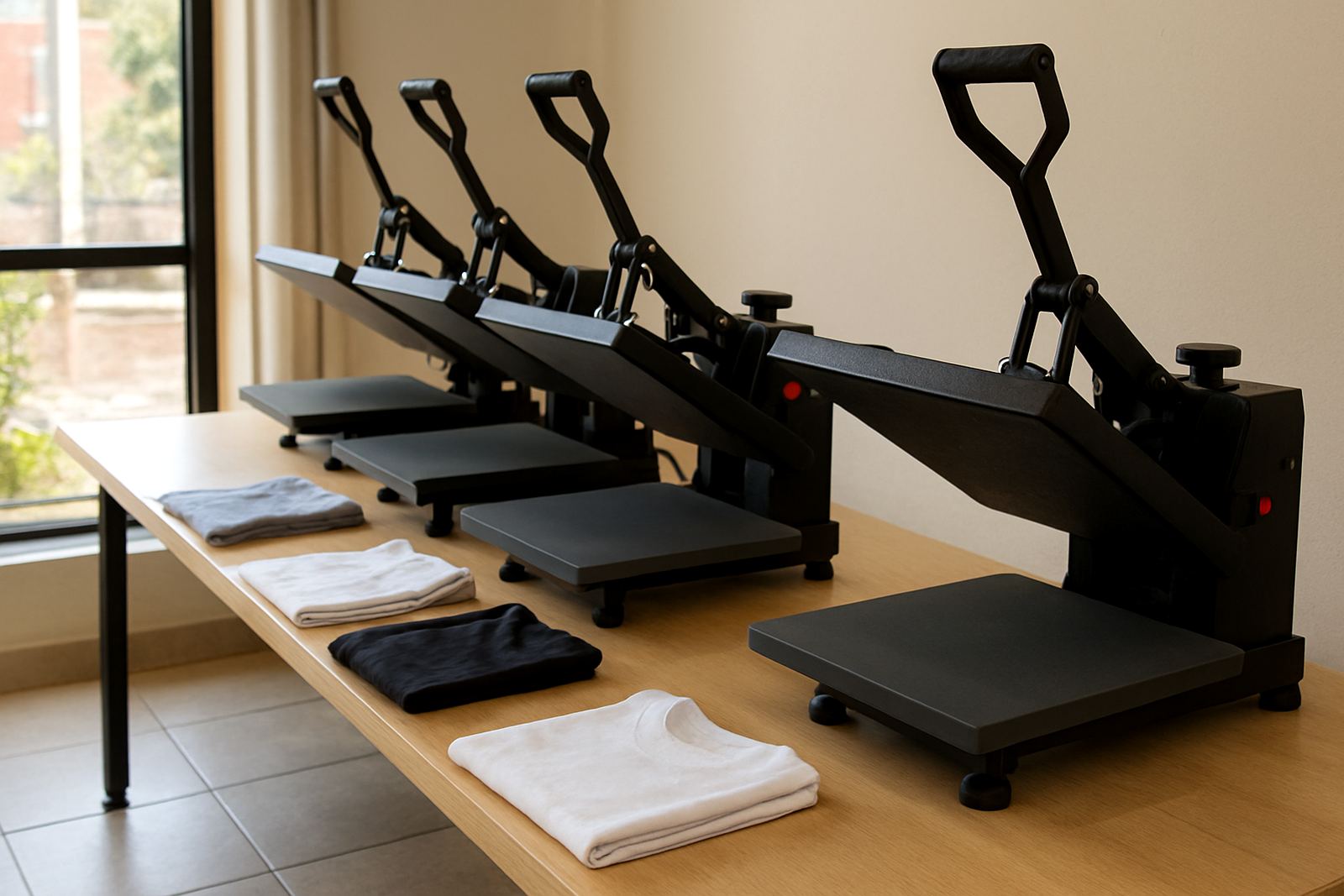
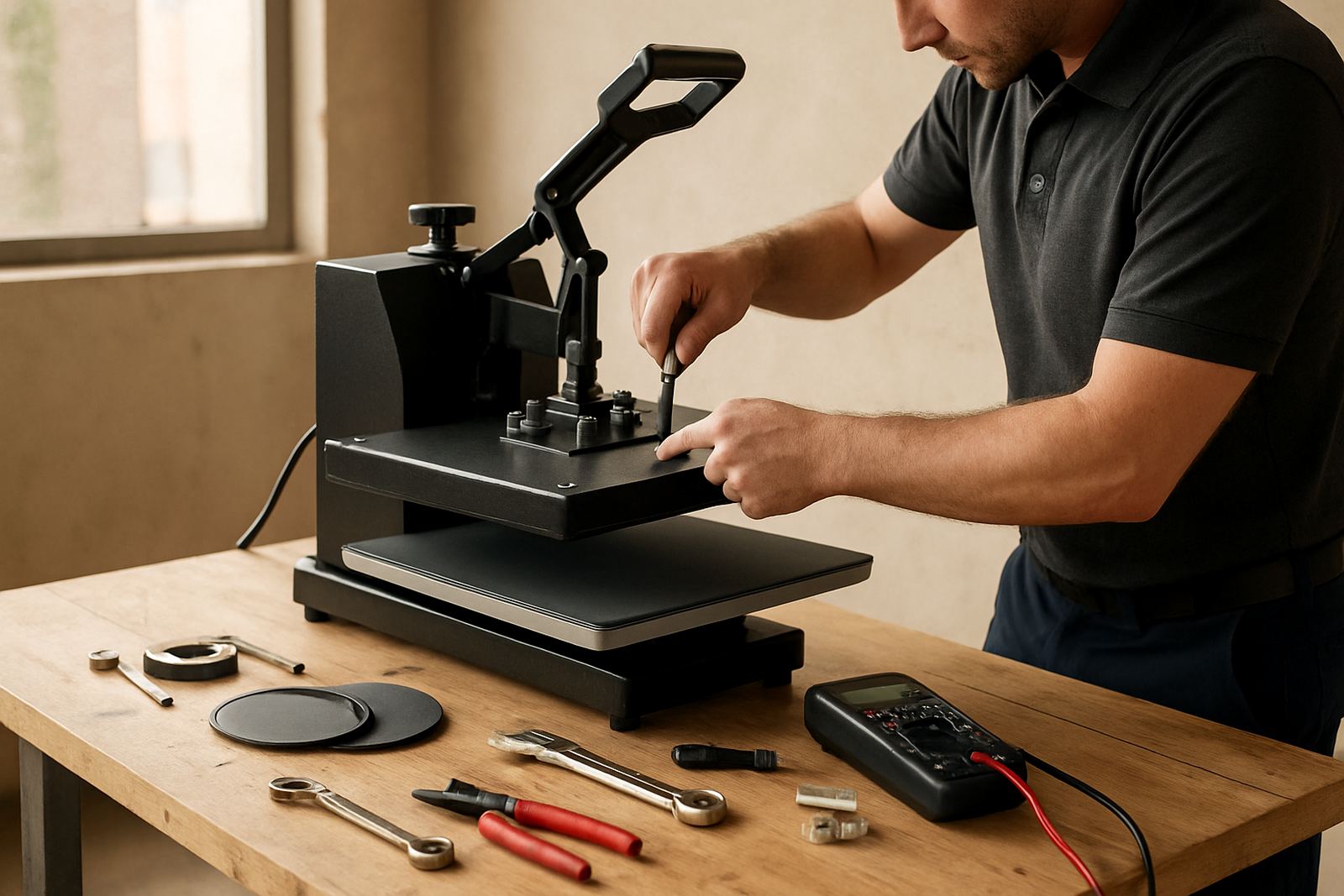
Start With the Basics Before You Touch the Transfer
If the print looks patchy, lifts at the edges or comes out dull, do not jump straight to the transfer paper. Start with the press itself. On most jobs the fault is in the settings, the pad, or the way the garment was prepared. A quick check before each run saves wasted blanks and spoiled stock.
For small shops in Midrand, Johannesburg or Pretoria, this matters even more when you are running different fabric types in one day. Cotton, poly cotton and polyester behave differently. In Durban and other coastal areas, humidity can also change how a garment feels under the press, so a quick pre check is worth it.
- Confirm the temperature on the controller with a test read if you have one.
- Check the time setting and make sure the timer is counting down properly.
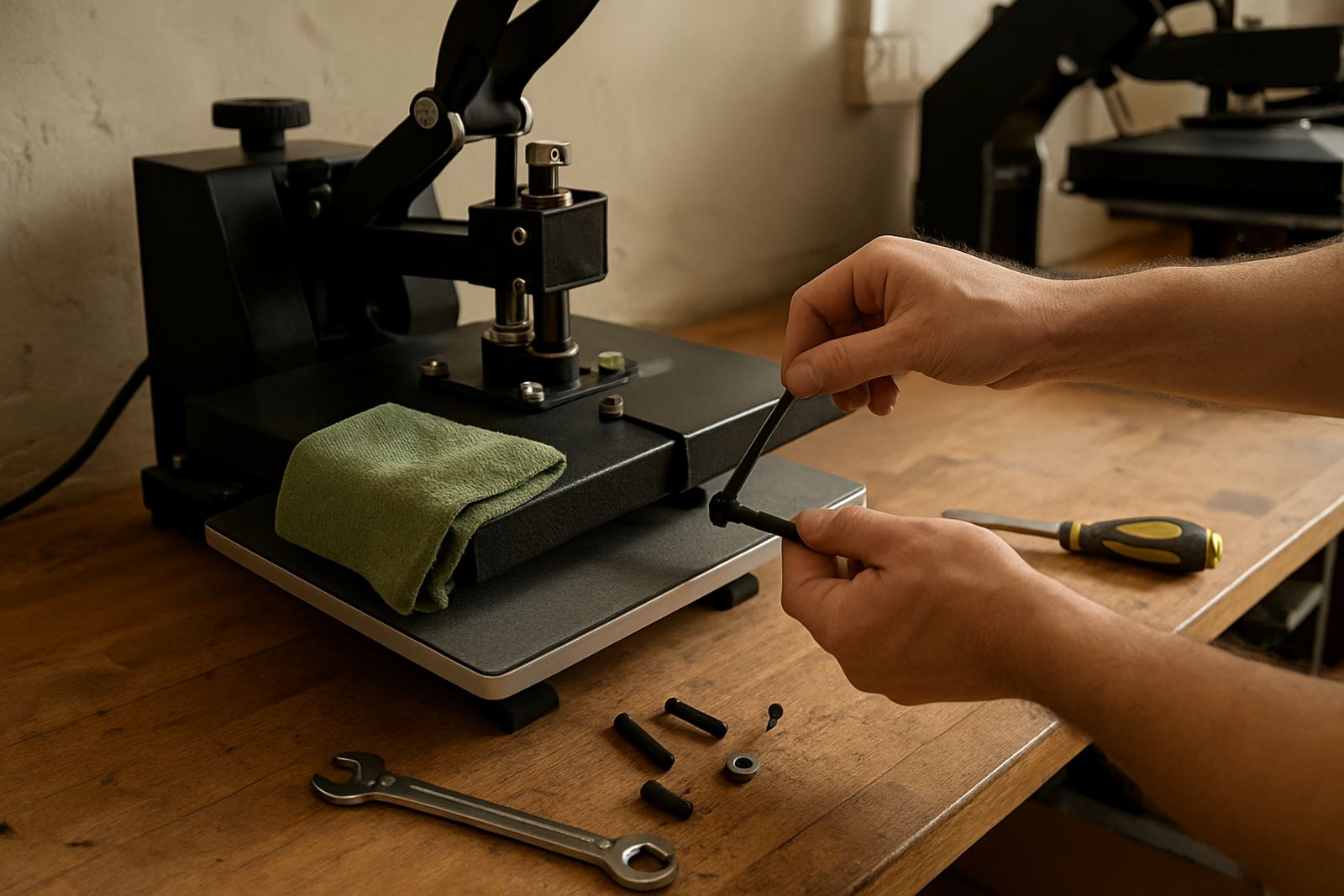
- Inspect the lower pad for cuts, glazing, scorch marks or trapped lint.
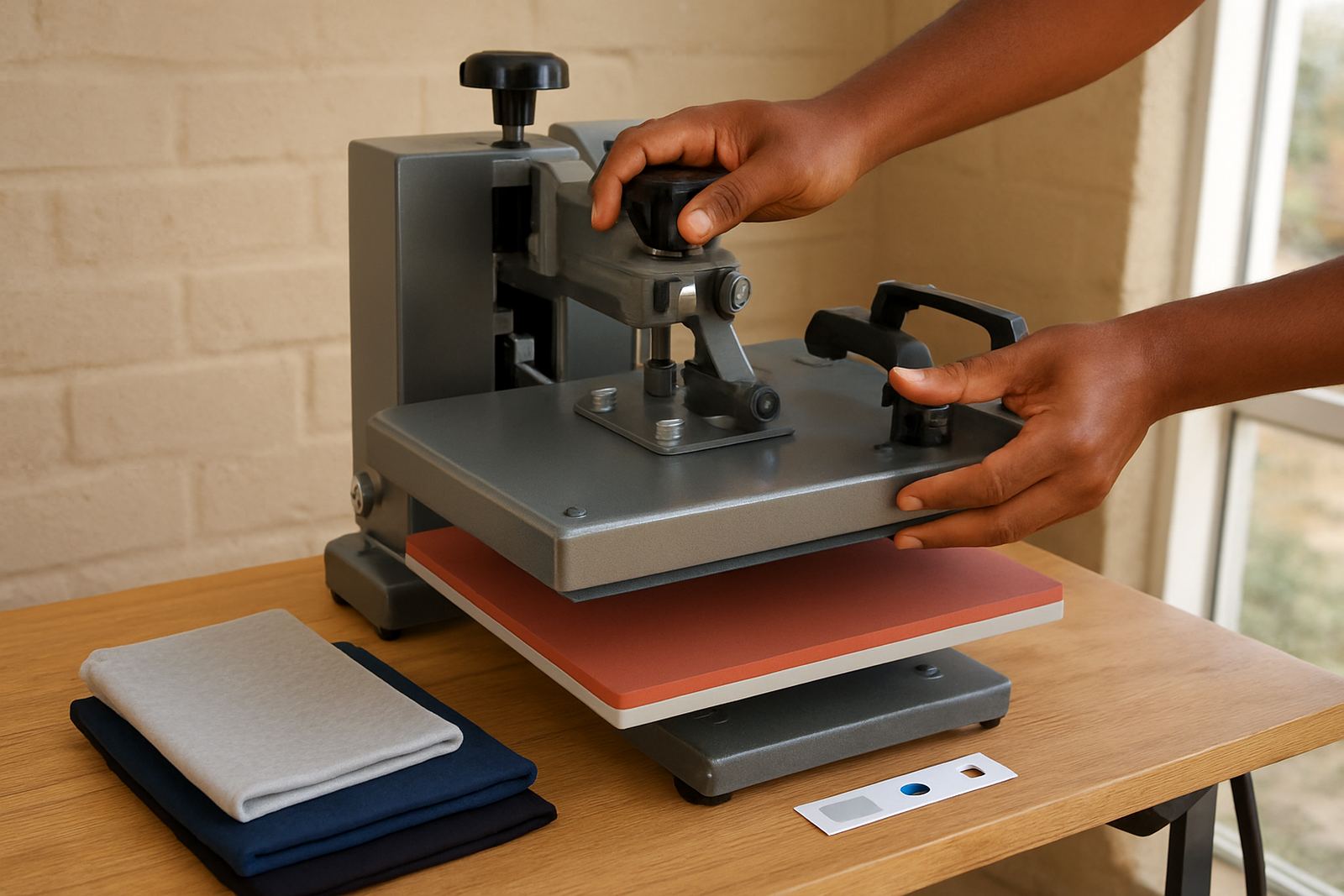
- Make sure the upper platen closes evenly and does not rock from side to side.
- Look at the garment for moisture, dust, creases or residues from folding.
If any of these basics are off, fix them first. It is often the fastest path to a clean result, and it avoids chasing the wrong problem.
When the Transfer Is Faint, Patchy or Not Fully Cured
Weak colour, missing sections or parts of the design that stay on the carrier film usually point to low heat, poor pressure or too short a press cycle. Start by checking whether the press has reached real working temperature, not just the number on the screen. A controller can look correct while the platen is still warming through unevenly.
If the design is only failing in the middle or at one corner, the pressure may be uneven. That can happen when the lower pad is worn, the garment is too thick, or the press needs adjustment. On older units, a tired element or loose fitting can also create a cooler spot. In that case, a temperature check and pressure adjustment should be done before more production runs.
- Increase dwell time in small steps, then test again.
- Check pressure across the full platen, not only at the handle point.
- Pre press the garment to remove moisture and wrinkles.
- Store transfer stock dry and flat, away from direct sunlight.
- Replace damaged covers and pads that have gone hard or shiny.
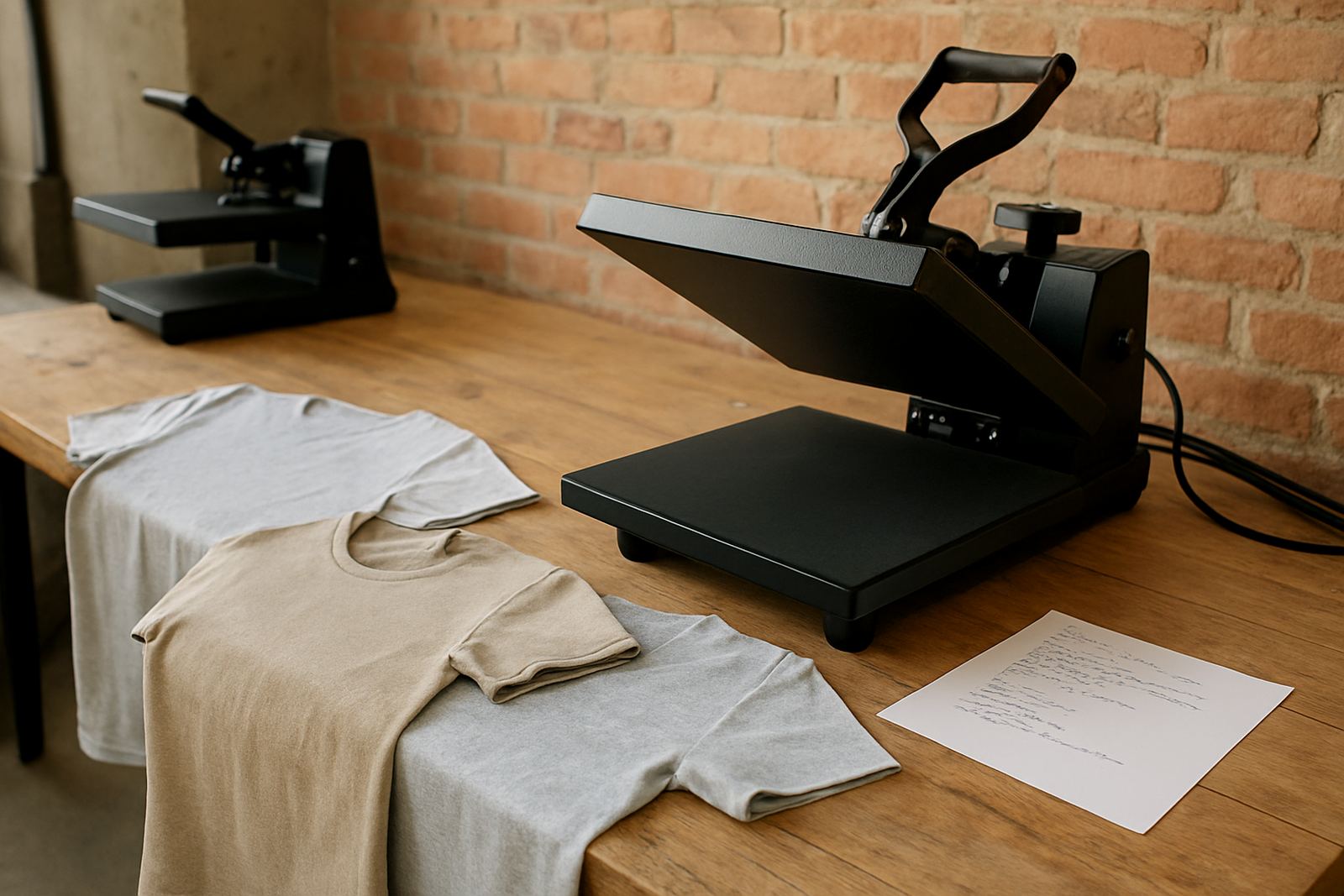
If you are in Cape Town or Bloemfontein and work with mixed fabric batches, keep a simple settings sheet for each product type. That helps operators repeat the same result and makes training easier for new staff too.
If the Design Blisters, Scorches or Looks Overcooked
When the print bubbles, burns, or leaves a shiny patch on the garment, the press is usually too hot, the time is too long, or the pressure is heavier than needed. This can happen fast on light coloured synthetics and on thin blends. It can also happen if the lower pad is too soft and lets the garment sit too close to the top platen.
Do not ignore a smell of overheating or a surface that starts looking glossy after pressing. That is a sign to stop and check the setup. On some machines, a faulty controller can overshoot the temperature, which is why a proper temperature check is important before blaming the artwork or the transfer film. Small shops often keep pressing because the job is urgent, but that usually costs more in rejects.
- Lower the set temperature in small steps and test on a spare garment.
- Reduce pressure if the garment is flattening too much.
- Shorten the press cycle if the transfer manufacturer allows it.
- Check for a hot spot by moving a test piece across the platen.
- Replace a damaged element or controller if readings keep drifting.
Our team often sees this after load shedding or after a press has been switched on and off repeatedly. Once power returns, give the unit time to settle before starting a production run.
Why Transfers Peel Early or Lift After Washing
If a transfer looks fine when it comes off the press but starts lifting after a wash, the issue may be in cure, pressure, or how the garment was handled after pressing. Let the transfer cool or set according to the instructions for that material. Rushing the peel can weaken the bond even when the press settings were close.
Also check the garment itself. Fabric with finishing agents, heavy dust or fabric softener residues can stop the adhesive from biting properly. A quick pre press helps, but sometimes the material needs a second clean press after the initial application. For print shops in East Rand and West Rand industrial areas, where workwear often arrives folded and dusty, this check can make a real difference.
- Use the correct peel method for the transfer type.
- Keep garments clean, dry and free of lint.
- Make sure the press pressure is firm enough across the full area.
- Test wash samples before taking a large order into production.
- Keep a record of settings used on each job for future runs.
If lifting keeps happening on the same machine, ask for a full preventive servicing check. A tired pad, loose hinge or drifting temperature can show up first as wash failure.
Checklist for Uneven Pressure and Lopsided Prints
Uneven pressure is one of the most common problems on flat heat presses. It shows up as partial transfers, one edge sticking better than the other, or a design that looks pressed harder on one side. Before you assume the machine is finished, work through a short mechanical check.
Start with the lower pad and make sure it is seated properly. Then check the top platen for level closing, hinge wear, and any build up of adhesive or lint. If you are using thicker garments or layered seams, the print area may need repositioning so the press closes cleanly. Even a small shift can help. The fix may be simple, but it needs carefull attention.
- Confirm the platen closes squarely and the handle locks evenly.
- Check for worn pads, damaged covers or loose fittings.
- Move seams, pockets and zips out of the print zone where possible.
- Use a test sheet to see whether pressure is even across the surface.
- Book element replacements or pressure adjustments if the press is ageing.
Our workshop team in Midrand handles these jobs daily for small decorators and busy production rooms. If the machine needs a line service or a controller repair, it is usually best to stop using it before a minor issue becomes a larger repair.
What To Log Before You Ask For Support
Good notes save time. When you ask for support, exact information helps narrow the fault down. This is especially useful for businesses in Durban, Cape Town or Bloemfontein receiving courier supplied units, because clear notes help with remote diagnosis before a technician visits or a part is sent out.
Keep the following details with each machine: model type, platen size, fault description, garment type, transfer type, temperature, time, pressure setting and whether the issue started after a power cut or a change in operator. If you run more than one press, label them clearly so problems are not mixed up.
- Write down exactly what the print looks like before and after pressing.
- Note whether the fault appears on every garment or only some jobs.
- Record any error lights, unusual sounds or controller changes.
- Keep samples of failed transfers for comparison.
- Use the enquiry form on our contact page when you need support, spares or a loan unit.
FlatPress supports customers with new press setup, operator training, phone tech support, spares supply and preventive servicing. Whether you work from a home studio, a small shop or a full print room, the right troubleshooting steps can keep your press earning instead of standing idle.